
Your graphics add a nice touch to my presentations and I recently used them for one of my all-hands meetings. Your toolbox adds professionalism to my slides. Instead of using standard clipart.
Claude Jones, Director of Engineer, @Walmartlabs, USA
Your graphics add a nice touch to my presentations and I recently used them for one of my all-hands meetings. Your toolbox adds professionalism to my slides. Instead of using standard clipart.
Claude Jones, Director of Engineer, @Walmartlabs, USA
I needed a fresh look at some of my slides. I've tried to find a way to create a paintbrush effect, to underline, accentuate, add some color and the handwritten markers were just the things. Very easy to use, easy to size, change the color. It was an affordable, perfect solution and I'm happy to recommend it.
Anonymous, US
The crisp, clean look of the graphics, and the fact that it allowed me to easily edit and change the colors to match the template was my main reason for purchasing them.
Brandie Jenkins, E-learning Developer, USA
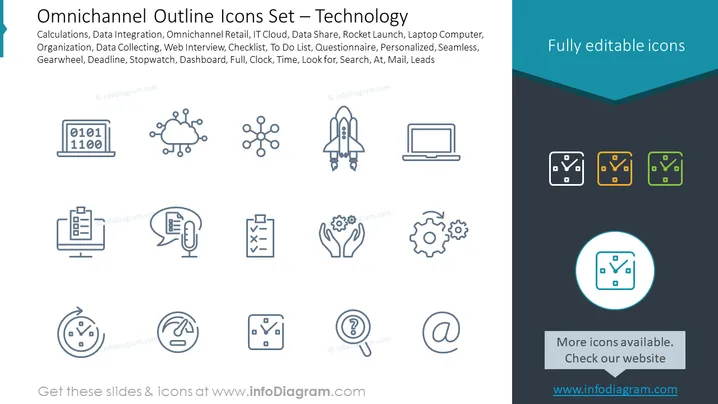
This PowerPoint slide presents a collection of outline icons themed around technology, each representing different technological concepts. "Calculations" is symbolized by binary code on a laptop screen, implying data processing. "Data Integration" may suggest systems or applications working together. "Omnichannel Retail" implies a consistent and unified customer shopping experience across various channels. "IT Cloud" signifies cloud computing services. "Data Share" likely denotes data distribution or collaboration. "Rocket Launch" could represent a startup or project kickoff. "Laptop Computer" is self-explanatory. "Organization, Data Collecting, Web Interview, Checklist, To Do List, Questionnaire" suggests various organizational and data collection tasks. "Personalized" may refer to customized products or services. "Seamless" indicates a smooth and continuous process. "Gearwheel" stands for machinery or system settings. "Deadline, Stopwatch, Dashboard, Full, Clock, Time" reference time management or analytics tools. "Look for, Search, At, Mail, Leads" might relate to communication and lead generation.
The slide is set against a calm blue background that transitions to a darker shade at the top.
A set of icons is arranged in three rows and four columns, each icon featuring a light gray stroke.
The icons include images of a laptop with binary code, a cloud, a network, a rocket, a laptop, documents, hands holding gears, and others related to time and organization.
In the top right corner, there is a statement "Fully editable icons" highlighted on a dark teal banner.
The rest of the text is presented in simple, modern sans-serif font, with the title in a larger size than the descriptive list of icon functions.
Below the icons, there's a circular highlight with one icon for focus, surrounded by a turquoise ring.
Each icon is stylized and simplified, favor ing a minimalist design to maintain clarity.
On the right side, three same-shaped clock icons are given in different color variants; teal, orange, and green.
The overall look of the slide is professional and clean, using a cohesive color palette that adds to the clarity and visual appeal of the information presented. The icons are uniform in style and provide an easy way to visually represent various tech-related concepts.




