
Reviews
Your graphics add a nice touch to my presentations and I recently used them for one of my all-hands meetings. Your toolbox adds professionalism to my slides. Instead of using standard clipart.
I needed a fresh look at some of my slides. I've tried to find a way to create a paintbrush effect, to underline, accentuate, add some color and the handwritten markers were just the things. Very easy to use, easy to size, change the color. It was an affordable, perfect solution and I'm happy to recommend it.
The crisp, clean look of the graphics, and the fact that it allowed me to easily edit and change the colors to match the template was my main reason for purchasing them.
Description
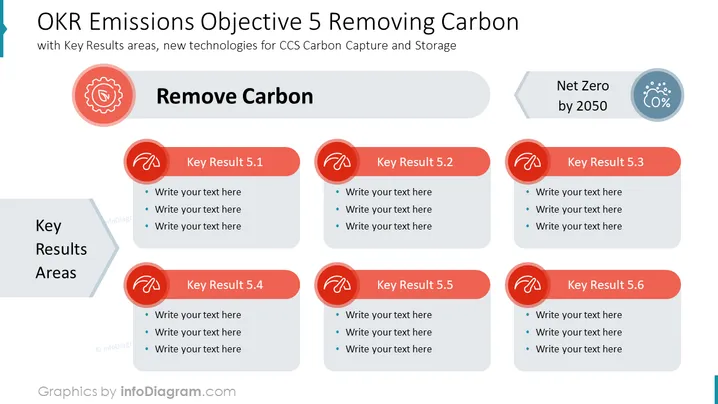
OKR Emissions Objective 5 Removing Carbon
A structured plan within a PowerPoint presentation for achieving emissions reductions by focusing on carbon removal. It is designed for business strategists to visualize and plan actionable steps within the OKR framework, emphasizing new technologies for carbon capture and storage to reach net zero by 2050.
What Does This OKR Emissions Objective 5 Removing Carbon Include?
- Outline icons that indicate different strategies for carbon removal, symbolizing the key results areas within the objective
- Gray text boxes that are aligned next to each icon to specify particular targets and measures
- A large gray arrow graphic pointing towards the "Net Zero by 2050" icon, signifying the objective's deadline
- The slide utilizes a red and gray color scheme, which serves to draw attention to the urgency of carbon reduction efforts
##This OKR Emissions Objective 5 Removing Carbon is a part of our Climate OKR Action Plan Presentation PPT Template.
How to Edit
How to edit text & colors

How to expand / shorten diagram

How to Replace Icons in infoDiagram PPT


