
Your graphics add a nice touch to my presentations and I recently used them for one of my all-hands meetings. Your toolbox adds professionalism to my slides. Instead of using standard clipart.
Claude Jones, Director of Engineer, @Walmartlabs, USA
Your graphics add a nice touch to my presentations and I recently used them for one of my all-hands meetings. Your toolbox adds professionalism to my slides. Instead of using standard clipart.
Claude Jones, Director of Engineer, @Walmartlabs, USA
I needed a fresh look at some of my slides. I've tried to find a way to create a paintbrush effect, to underline, accentuate, add some color and the handwritten markers were just the things. Very easy to use, easy to size, change the color. It was an affordable, perfect solution and I'm happy to recommend it.
Anonymous, US
The crisp, clean look of the graphics, and the fact that it allowed me to easily edit and change the colors to match the template was my main reason for purchasing them.
Brandie Jenkins, E-learning Developer, USA
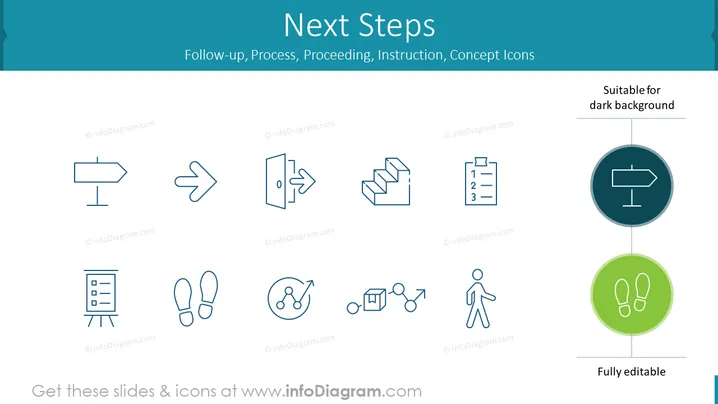
The slide, titled "Next Steps," focuses on icons representing various aspects of follow-up, processes, proceedings, instructions, and concepts. The icons seem to symbolize different actions or steps to be taken after a particular event or presentation. The purpose of each icon is to visually convey actions like direction (a signpost icon), progress (stairs icon), prioritization or organization (list icon), presenting information (flipchart icon), personal action or responsibility (footsteps icon), interaction or connectivity (network icon), complex process (cube and arrows icon), and individual movement or progression (person icon).
The slide is designed with simplicity and clarity in mind, using monochromatic icons and minimal text to communicate its message. The use of space and positioning of the textual elements provides a balanced and easily digestible visual experience.




