
Reviews
Your slides are my 'secret sauce' when it comes to visualising my ideas to clients. I'm saving so much time.
InfoDiagram has been a wonderful resource since I found the product site a few years ago.
Your slides often generate good comments and ideas from my team that improve the final slides.
Description
Next Month Outlook MBR Presentation Section
Slide Content
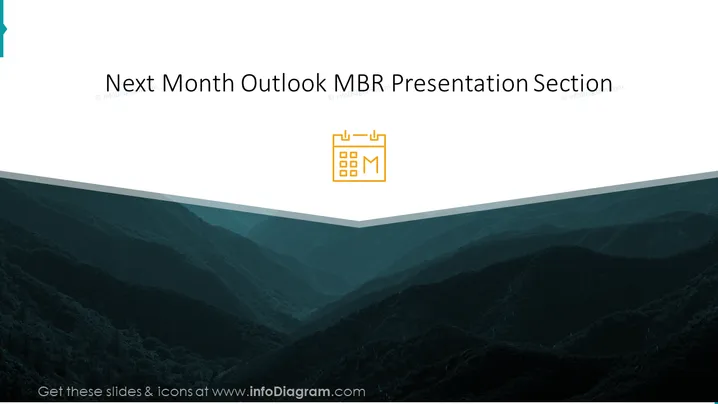
This PowerPoint slide is titled "Next Month Outlook MBR Presentation Section". It appears to be a divider or introduction slide for a section focusing on the projections or outlook for the upcoming month as part of a Monthly Business Review (MBR). The slide includes just the title, without any detailed bullet points, indicating that it precedes more specific slides.
Graphical Look
- The slide has a large, dark image of rolling hills or a mountain range that fills the entire background.
- A white, translucent wave-like shape overlays the bottom portion of the mountain image, adding a design element and contrast for the slide's title.
- The slide's title, "Next Month Outlook MBR Presentation Section," is placed prominently at the top in white text, providing a clear and readable contrast against the darker background.
- A small calendar icon, with a letter "M" signifying the month, is located to the right of the title, aligning with the slide's theme.
- The typography is clean, with a sans-serif font used for the title, enhancing the slide's modern and professional appearance.
The overall look of the slide is sleek and professional, with a minimalist design emphasizing the title. The contrasting colors and clean font choice contribute to its clarity and focus.
Use Cases
- To introduce the agenda or focus for the upcoming month during a Monthly Business Review meeting.
- As a transition slide between sections in a longer presentation, where each part requires a clear header.
- To precede detailed financial forecasts or project timelines in a corporate strategy meeting.
- As a thematic starter slide in a webinar or online training that discusses monthly planning and assessment processes.
How to Edit
How to edit text & colors

How to expand / shorten diagram

How to Replace Icons in infoDiagram PPT


