
Reviews
Your slides are my "secret sauce" when it comes to presenting my ideas to clients. I save a lot of time.
J'avais un délai de livraison à respecter et je n'avais pas le temps de créer une variété de modèles de diapositives. Infodiagram m'a proposé des options faciles à télécharger et à personnaliser en fonction de mes besoins !
Vos diapositives suscitent souvent de précieux commentaires et idées de la part de mon équipe, ce qui améliore les diapositives finales.
Description
Your Sample Text Here
Slide Content
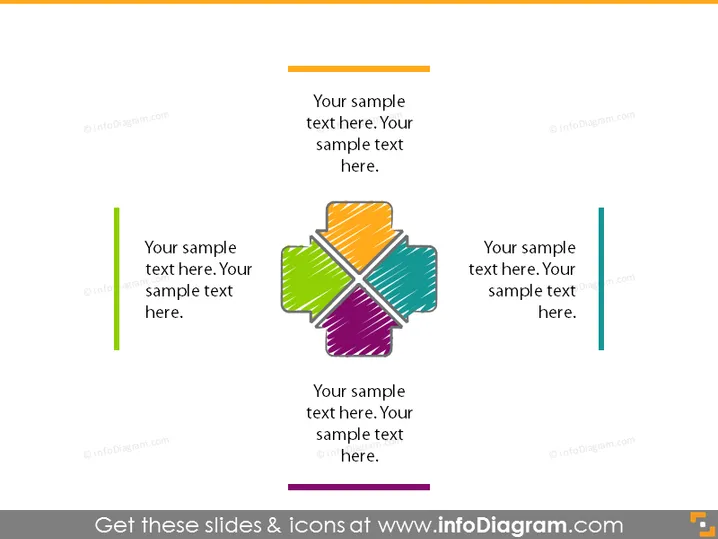
The PowerPoint slide seems to be designed to present a central idea or concept, surrounded by related components or categories. The slide features four areas for text that likely correspond to four aspects or elements of the main topic. Each of these areas is associated with a different colored segment of a central, cross-shaped graphic, suggesting a connection between the text and the graphic elements.
Graphical Look
- The slide's background is a plain, soft yellow-orange gradient.
- At the center is a cross-shaped graphic made up of four different colored segments (green, purple, orange, and blue).
- Each color segment has a corresponding text box for explanatory content.
- Two thin, vertical bars (one green on the left, one blue on the right) flank the central graphic, each paired with their respective text boxes.
- The text boxes contain placeholder text in a dark grey color, maintaining readability against the light background.
- All design elements feature a simple, flat design aesthetic without complex textures or shadow effects.
The overall look of the slide is minimalist and modern, with a focus on clarity and readability. The use of color helps distinguish the different segments or topics being presented.
Use Cases
- To introduce the main components of a business strategy or framework.
- To illustrate the relationship between different departments or functional areas within a company.
- For explaining the diversification of products or services in a portfolio.
- To summarize the key points of a presentation or main ideas of a discussion.
How to Edit
How to edit text & colors

How to expand / shorten diagram

How to Replace Icons in infoDiagram PPT


