

Your graphics add a nice touch to my presentations and I recently used them for one of my all-hands meetings. Your toolbox adds professionalism to my slides. Instead of using standard clipart.
Claude Jones, Director of Engineer, @Walmartlabs, USA

Your graphics add a nice touch to my presentations and I recently used them for one of my all-hands meetings. Your toolbox adds professionalism to my slides. Instead of using standard clipart.
Claude Jones, Director of Engineer, @Walmartlabs, USA
I needed a fresh look at some of my slides. I've tried to find a way to create a paintbrush effect, to underline, accentuate, add some color and the handwritten markers were just the things. Very easy to use, easy to size, change the color. It was an affordable, perfect solution and I'm happy to recommend it.
Anonymous, US
The crisp, clean look of the graphics, and the fact that it allowed me to easily edit and change the colors to match the template was my main reason for purchasing them.
Brandie Jenkins, E-learning Developer, USA
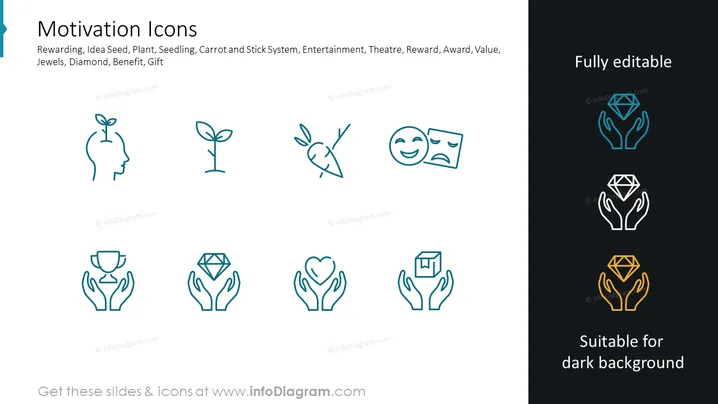
The PowerPoint slide titled "Motivation Icons" presents a collection of simple line icons related to encouragement and incentive themes. The icons represent concepts such as Rewarding, Idea Seed (suggestive of initiating thoughts or projects), Plant, Seedling (both symbols of growth and development), Carrot and Stick System (alluding to a method of motivation using rewards and penalties), Entertainment, Theatre (implying engagement and drama), Reward, Award (recognition for achievements), Value, Jewels, Diamond (metaphors for high quality or precious rewards), Benefit, and Gift (suggesting generosity or a bonus). Each icon is accompanied by a brief text label explaining its meaning.
The overall look is clean and professional, with a consistent design language that makes the icons appear unified. The contrast in color emphasizes the adaptability of the icons for different background colors.



