
Reviews
Sus gráficos añaden un toque agradable a mis presentaciones y recientemente los usé para una de mis reuniones generales. Su conjunto de herramientas añade profesionalismo a mis diapositivas. En lugar de usar imágenes prediseñadas estándar.
Necesitaba un aspecto fresco para algunas de mis diapositivas. Había intentado encontrar una forma de crear un efecto de pincel, de subrayar, acentuar, añadir algo de color y los marcadores escritos a mano fueron justo lo que necesitaba. Muy fácil de usar, fácil de ajustar el tamaño, cambiar el color. Fue una solución asequible y perfecta, y estoy feliz de recomendarla.
El aspecto nítido y limpio de los gráficos, y el hecho de que me permitiera editar y cambiar fácilmente los colores para que coincidieran con la plantilla fue mi principal razón para comprarlos.
Description
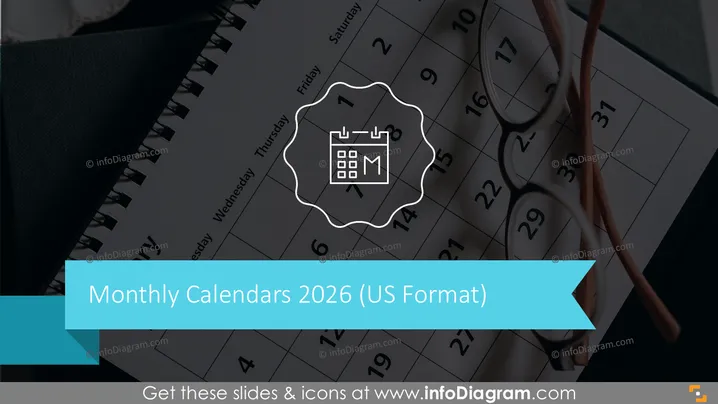
Monthly Calendars 2026 (US Format)
Slide Content
The slide is most likely a title slide for a section about monthly calendars for the year 2025 formatted for US standards. The presence of a calendar icon within a stylized gear-like border suggests an emphasis on scheduling, planning, or organization. The use of the term "US Format" indicates that the calendar may highlight American holidays or follow a Sunday-to-Saturday week layout which is common in the United States.
Graphical Look
- A dark blurred background, likely a close-up of an actual paper calendar or planner.
- A large, teal-colored ribbon banner at the bottom acting as the background for the slide title text.
- White stylized font for the slide title "Monthly Calendars 2025" which is prominently displayed.
- A smaller subtitle "(US Format)" in white, following the main title.
- An icon representing a calendar, inside a white, gear-like circular design centered over the slide title.
- The calendar icon includes a representation of a monthly grid and the abbreviation "M" possibly for "Month".
The overall look of the slide is modern and professional, with a cool color palette dominated by dark hues and a bold splash of teal for contrast. The design elements are minimalistic and focused, creating a clear and visually appealing presentation of the topic.
Use Cases
- Introducing a section on project timelines in a business plan or presentation.
- Kicking off discussions about annual targets and milestone planning for a company.
- Setting the agenda for a yearly review meeting.
- Providing an overview before delving into monthly specific strategies in a marketing or sales presentation.
How to Edit
How to edit text & colors

How to expand / shorten diagram

How to Replace Icons in infoDiagram PPT


