
Your graphics add a nice touch to my presentations and I recently used them for one of my all-hands meetings. Your toolbox adds professionalism to my slides. Instead of using standard clipart.
Claude Jones, Director of Engineer, @Walmartlabs, USA
Your graphics add a nice touch to my presentations and I recently used them for one of my all-hands meetings. Your toolbox adds professionalism to my slides. Instead of using standard clipart.
Claude Jones, Director of Engineer, @Walmartlabs, USA
I needed a fresh look at some of my slides. I've tried to find a way to create a paintbrush effect, to underline, accentuate, add some color and the handwritten markers were just the things. Very easy to use, easy to size, change the color. It was an affordable, perfect solution and I'm happy to recommend it.
Anonymous, US
The crisp, clean look of the graphics, and the fact that it allowed me to easily edit and change the colors to match the template was my main reason for purchasing them.
Brandie Jenkins, E-learning Developer, USA
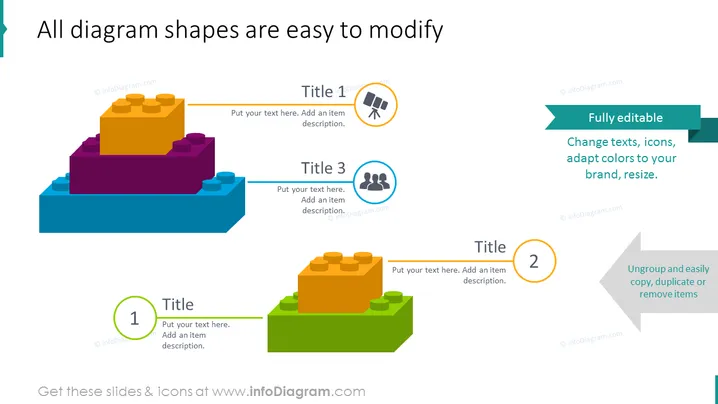
The slide emphasizes the customizable aspect of diagram shapes in a presentation software. The title asserts that all diagram shapes are straightforward to adjust. Three separate colored building blocks represented as diagrams can be seen, showing that they are fully editable. Each block is labeled with a title and a corresponding number (1, 2, and 3), with instructional text suggesting to put an item description in the provided space, indicating the areas for customization within each segment explaining that texts, icons, colors, and size can be modified to suit one's branding needs.
The slide has a clean and modern design featuring bright, contrasting colors that draw attention to each section. Labels and text are well-placed to guide the viewer through the modification process.




