

Your graphics add a nice touch to my presentations and I recently used them for one of my all-hands meetings. Your toolbox adds professionalism to my slides. Instead of using standard clipart.
Claude Jones, Director of Engineer, @Walmartlabs, USA

Your graphics add a nice touch to my presentations and I recently used them for one of my all-hands meetings. Your toolbox adds professionalism to my slides. Instead of using standard clipart.
Claude Jones, Director of Engineer, @Walmartlabs, USA
I needed a fresh look at some of my slides. I've tried to find a way to create a paintbrush effect, to underline, accentuate, add some color and the handwritten markers were just the things. Very easy to use, easy to size, change the color. It was an affordable, perfect solution and I'm happy to recommend it.
Anonymous, US
The crisp, clean look of the graphics, and the fact that it allowed me to easily edit and change the colors to match the template was my main reason for purchasing them.
Brandie Jenkins, E-learning Developer, USA
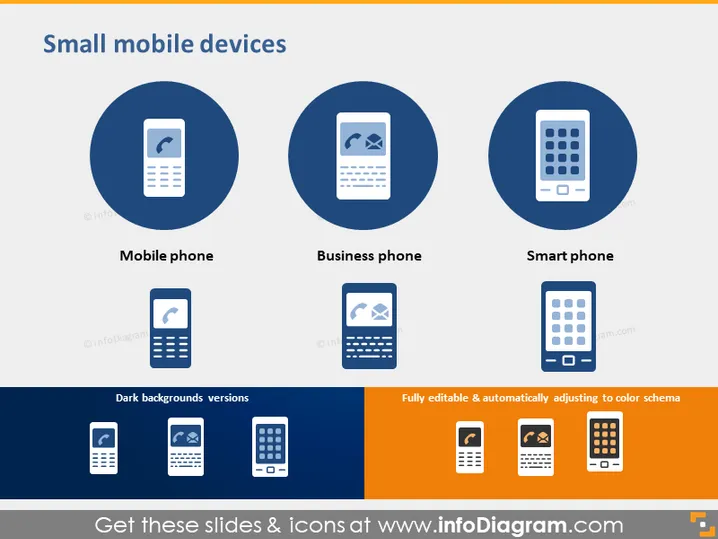
The slide titled "Small mobile devices" appears to focus on different types of mobile devices and their icons. It categorizes devices into three types: "Mobile phone," which could imply basic cell phone functionality; "Business phone," likely to represent phones tailored for professional use with potentially enhanced security or features; and "Smart phone," which refers to modern smartphones with advanced capabilities like internet connectivity and apps. Additionally, the slide mentions "Dark backgrounds versions" and that the icons are "Fully editable & automatically adjusting to color schema," suggesting customizable visual elements for presentations.
The slide design is clean, with a straightforward layout emphasizing the icons and the types of small mobile devices. The use of contrasting colors and large graphics makes it visually appealing and easy to understand at a glance.



