
Reviews
Ihre Grafiken verleihen meinen Präsentationen eine nette Note, und ich habe sie kürzlich für eines meiner All-Hands-Meetings verwendet. Ihre Toolbox verleiht meinen Folien Professionalität, anstatt Standard-Clipart zu verwenden.
Ich brauchte einen neuen Blick auf einige meiner Folien. Ich habe versucht, einen Weg zu finden, einen Pinselschlag-Effekt zu erzielen, um zu unterstreichen, hervorzuheben, Farbe hinzuzufügen, und die handgeschriebenen Markierungen waren genau das Richtige. Sehr einfach zu bedienen, leicht in der Größe zu ändern, die Farbe zu ändern. Es war eine erschwingliche, perfekte Lösung und ich empfehle sie gerne weiter.
Die klare, saubere Optik der Grafiken und die Tatsache, dass ich die Farben leicht bearbeiten und an die Vorlage anpassen konnte, war mein Hauptgrund für den Kauf.
Description
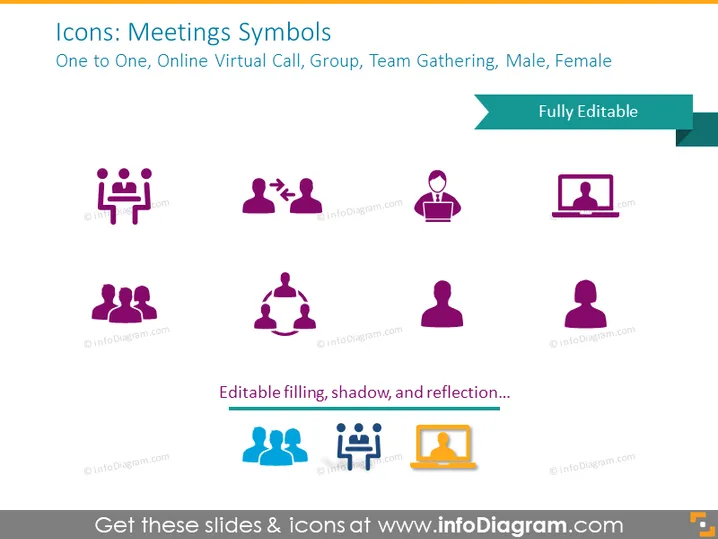
Icons: Meetings Symbols
Slide Content
The slide is titled "Icons: Meetings Symbols" and includes a variety of symbols representing different aspects of meetings such as one-on-one interactions, online virtual calls, group meetings, team gatherings, and iconography for male and female participants. Each symbol is designed to visually communicate specific meeting contexts: the solitary figure for individual participation, pairs for one-on-one scenarios, a trio in a circle for group discussions, a solitary figure with a laptop for virtual calls, and gender-specific figures to denote male and female attendees.
Graphical Look
- The background of the slide is a light gray color.
- Two rows of icons centered on the slide with ample white space around them.
- Icons are stylized human figures and pictograms in a combination of purple, blue, and orange colors.
- Each icon is paired with a small shadow and reflection effect below it, adding a sense of depth.
- The slide title appears in bold at the top in larger text, with a darker shade of gray background.
- A subtitle below the title provides additional context in a smaller font size.
- A banner labeled "Fully Editable" extends across the top right corner.
- There is also a decorative element with the text "Editable filling, shadow, and reflection..." positioned at the bottom of the slide.
The slide has a clean, professional look with a modern and minimalist design aesthetic. The use of color and simple graphics makes it visually appealing and easy to interpret at a glance.
Use Cases
- To introduce different types of meeting formats during a company-wide presentation or training session.
- For detailing communication protocols or guidelines in a business context.
- As part of a toolkit for virtual team facilitators to quickly visualize discussion formats.
- In interactive workshops or webinars where the presenter illustrates various engagement techniques.
How to Edit
How to edit text & colors

How to expand / shorten diagram

How to Replace Icons in infoDiagram PPT


