
Reviews
Sus gráficos añaden un toque agradable a mis presentaciones y recientemente los usé para una de mis reuniones generales. Su conjunto de herramientas añade profesionalismo a mis diapositivas. En lugar de usar imágenes prediseñadas estándar.
Necesitaba un aspecto fresco para algunas de mis diapositivas. Había intentado encontrar una forma de crear un efecto de pincel, de subrayar, acentuar, añadir algo de color y los marcadores escritos a mano fueron justo lo que necesitaba. Muy fácil de usar, fácil de ajustar el tamaño, cambiar el color. Fue una solución asequible y perfecta, y estoy feliz de recomendarla.
El aspecto nítido y limpio de los gráficos, y el hecho de que me permitiera editar y cambiar fácilmente los colores para que coincidieran con la plantilla fue mi principal razón para comprarlos.
Description
Icons: Meetings Symbols
Slide Content
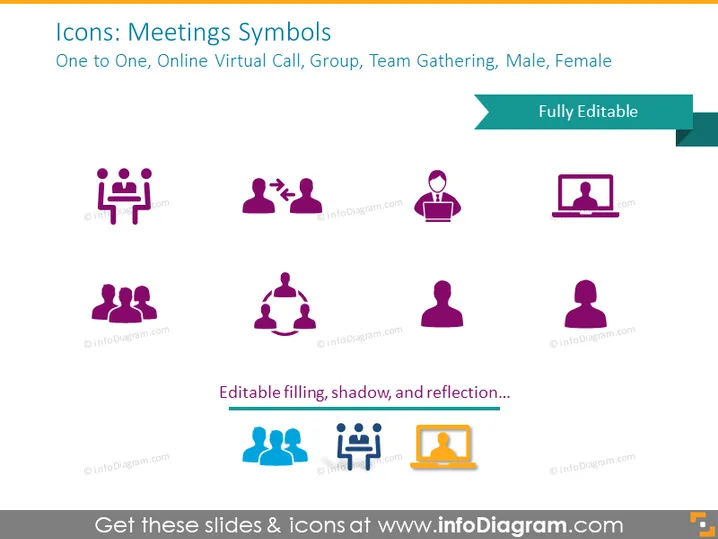
The slide titled "Icons: Meetings Symbols" features a collection of pictograms that represent various types of meeting situations such as "One to One", which indicates a private meeting between two individuals, "Online Virtual Call", suggesting a web-based conference, "Group", which likely refers to an in-person collective meeting, "Team Gathering", indicating a more informal or internal team meeting, and "Male, Female", denoting gender representation in meetings. Each concept is illustrated with a simple, easily recognizable icon to visually convey the essence of the meeting type.
Graphical Look
- The slide background is a flat color.
- Eight icons are arranged symmetrically in two rows of four.
- Each icon is a simple, stylized representation in purple with white and darker purple accents.
- There is a label beneath each icon, written in a smaller font than the slide title.
- Icons include representations of individual people, pairs, and groups.
- The text box with "Fully Editable" is highlighted in a contrasting turquoise banner on the right.
- At the bottom, there is an emphasis on editability, indicating that the icon fill, shadow, and reflection can be customized.
The icons are visually unified with a cohesive color scheme and consistent illustrative style, lending the slide a professional and clean appearance.
Use Cases
- To enhance visual communication in presentations discussing meeting dynamics and participant roles.
- As part of a training module for remote team collaboration tools, explaining the different types of virtual interactions.
- In HR or management discussions to address gender balance within teams or meeting participation.
- To visually support agenda points in meeting invitations or collaboration platform interfaces.
How to Edit
How to edit text & colors

How to expand / shorten diagram

How to Replace Icons in infoDiagram PPT


