
Reviews
Ihre Grafiken verleihen meinen Präsentationen eine nette Note, und ich habe sie kürzlich für eines meiner All-Hands-Meetings verwendet. Ihre Toolbox verleiht meinen Folien Professionalität, anstatt Standard-Clipart zu verwenden.
Ich brauchte einen neuen Blick auf einige meiner Folien. Ich habe versucht, einen Weg zu finden, einen Pinselschlag-Effekt zu erzielen, um zu unterstreichen, hervorzuheben, Farbe hinzuzufügen, und die handgeschriebenen Markierungen waren genau das Richtige. Sehr einfach zu bedienen, leicht in der Größe zu ändern, die Farbe zu ändern. Es war eine erschwingliche, perfekte Lösung und ich empfehle sie gerne weiter.
Die klare, saubere Optik der Grafiken und die Tatsache, dass ich die Farben leicht bearbeiten und an die Vorlage anpassen konnte, war mein Hauptgrund für den Kauf.
Description
Meeting Presentation Icon Symbols
Slide Content
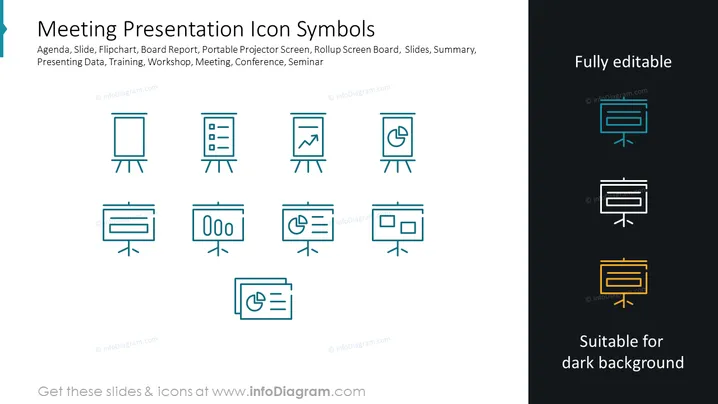
This PowerPoint slide provides an array of icon symbols relevant to meeting and presentation contexts. It covers topics such as Agenda, Slide, Flipchart, Board Report, Portable Projector Screen, Rollup Screen Board, Slides, Summary, Presenting Data, Training, Workshop, Meeting, Conference, and Seminar. These icons serve as visual representations for typical presentation materials and tools, and the slide emphasizes that the icons are fully editable and suitable for both light and dark backgrounds, which adds versatility for the presenter using them.
Graphical Look
- A large slide title in bold, set against a light blue banner, runs across the top.
- Eight medium-sized icons are arranged in a grid of 2x4 on the left side of the slide.
- All icons share a consistent design style, with a simple line-based aesthetic and a common color theme of teal.
- Each icon is paired with a corresponding text label that explains what the symbol represents (though the text labels are not mentioned in the provided picture).
- To the right side, there are three icons presented in two different color variations: teal for light backgrounds and white or yellow for dark backgrounds.
- The upper right corner of the slide contains a text box that reads "Fully editable", emphasizing that the icons can be customized.
The slide has a clean and professional appearance with a balanced layout that facilitates clear visual distinction between each symbol. The color scheme is cohesive and the icons are stylized consistently, providing a clear visual language for the slide's topic.
Use Cases
- To visually enhance sections in a business presentation dealing with meeting agendas or schedules.
- When outlining the tools and materials needed for corporate workshops or training sessions to ensure participants know what to expect.
- To create a visually engaging summary page at the beginning or end of a seminar presentation, highlighting key points or resources.
- Within a company's informational seminar to depict different aspects of the seminar, such as the data presentation part or Q&A sessions.
How to Edit
How to edit text & colors

How to expand / shorten diagram

How to Replace Icons in infoDiagram PPT


