
Reviews
Your graphics add a nice touch to my presentations and I recently used them for one of my all-hands meetings. Your toolbox adds professionalism to my slides. Instead of using standard clipart.
I needed a fresh look at some of my slides. I've tried to find a way to create a paintbrush effect, to underline, accentuate, add some color and the handwritten markers were just the things. Very easy to use, easy to size, change the color. It was an affordable, perfect solution and I'm happy to recommend it.
The crisp, clean look of the graphics, and the fact that it allowed me to easily edit and change the colors to match the template was my main reason for purchasing them.
Description
Icons: Meetings Symbols
Slide Content
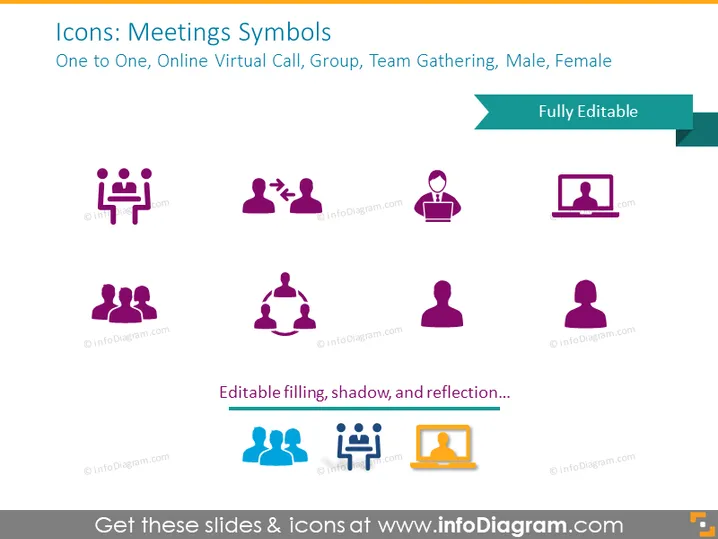
The slide, titled "Icons: Meetings Symbols," presents various graphic symbols representing different aspects of meetings, such as 'One to One' (depicting a two-person meeting), 'Online Virtual Call' (illustrating a computer-mediated communication), 'Group' (indicating a gathering of multiple individuals), 'Team Gathering' (showing a collaborative team environment), and icons for 'Male' and 'Female'. Each symbol provides a visual shorthand for these concepts, aiding in communication during presentations.
Graphical Look
- A set of eight vividly colored icons evenly distributed across the slide.
- Icons utilize a mix of purple and blue shades.
- Icons include images of individuals and groups in different configurations to represent various types of meetings.
- Each icon is paired with a descriptive label beneath it, using a smaller-sized font.
- The labels for the icons are in black color, providing contrast against the white background.
- The title of the slide uses a larger font size, making it prominent.
- There is a banner in teal with the text "Fully Editable" pointing to the right upper corner.
- The slide has a white background, ensuring the icons and text stand out.
The slide is clean and simple in design, allowing for easy interpretation of the icons presented. The color scheme is professional yet visually appealing.
Use Cases
- In a business presentation illustrating different meeting types or formats.
- As part of a training module describing effective communication in varied meeting scenarios.
- While discussing organizational roles and gender representation in corporate settings.
- To visually enhance sections in a document or presentation about collaboration and teamwork dynamics.
How to Edit
How to edit text & colors

How to expand / shorten diagram

How to Replace Icons in infoDiagram PPT


