
Reviews
The icons are fantastic, easy to use, and will add value to any project or presentation. Keep up the great work.
I love how simple infoDiagram's solutions are and the personal interest they took in my work. Recommended 1000%!
The crisp, clean look of the graphics, and the fact that it allowed me to easily edit and change the colors to match the template was my main reason for purchasing them.
Description
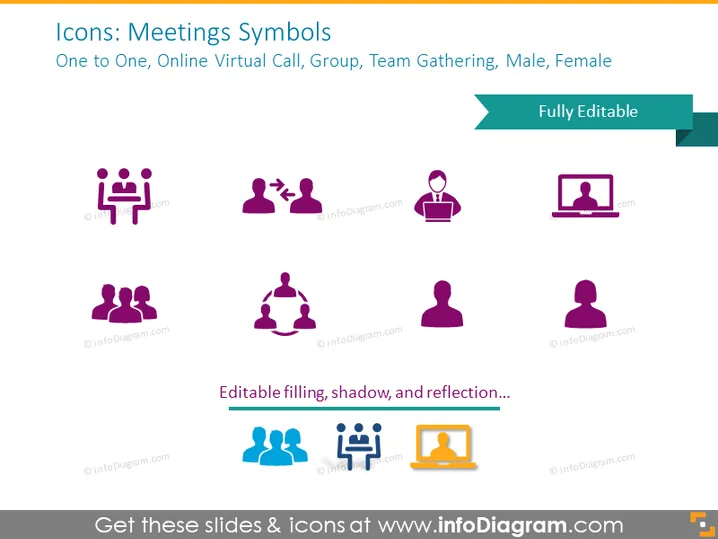
Icons: Meetings Symbols
Slide Content
The slide titled "Icons: Meetings Symbols" showcases representations of different types of meetings and participants. Featuring icons for One to One, which implies a meeting between two individuals, Online Virtual Call indicating a remote digital meeting, Group depicting a gathering of multiple people, Team Gathering signifying a meeting with collaborative intent, and Male & Female ideograms denoting gender representation in meetings.
Graphical Look
- The slide background is a solid light blue color.
- There are eight icons symmetrically arranged in two rows.
- Each icon is designed with a simple, flat style and shares a common purple and orange color theme.
- The icons are accompanied by small text labels underneath, explaining the meeting type.
- A ribbon banner across the top right corner reads "Fully Editable" and overlaps the slide's title area.
- The icons display various meeting-related scenarios using human figures and abstract symbols.
- No visible textures or additional design elements are present.
The slide has a clean and modern aesthetic with minimalistic icons. The use of contrasting colors helps to distinguish the icons and text for clear communication.
Use Cases
- Presenting different meeting formats in corporate training sessions.
- Illustrating the types of communication within a team in internal company presentations.
- Visual aids for online meetings or webinars discussing best practices for virtual collaboration.
- Enhancing slides related to human resources, such as discussing team building or gender diversity initiatives.
How to Edit
How to edit text & colors

How to expand / shorten diagram

How to Replace Icons in infoDiagram PPT


