
Reviews
Sus gráficos añaden un toque agradable a mis presentaciones y recientemente los usé para una de mis reuniones generales. Su conjunto de herramientas añade profesionalismo a mis diapositivas. En lugar de usar imágenes prediseñadas estándar.
Necesitaba un aspecto fresco para algunas de mis diapositivas. Había intentado encontrar una forma de crear un efecto de pincel, de subrayar, acentuar, añadir algo de color y los marcadores escritos a mano fueron justo lo que necesitaba. Muy fácil de usar, fácil de ajustar el tamaño, cambiar el color. Fue una solución asequible y perfecta, y estoy feliz de recomendarla.
El aspecto nítido y limpio de los gráficos, y el hecho de que me permitiera editar y cambiar fácilmente los colores para que coincidieran con la plantilla fue mi principal razón para comprarlos.
Description
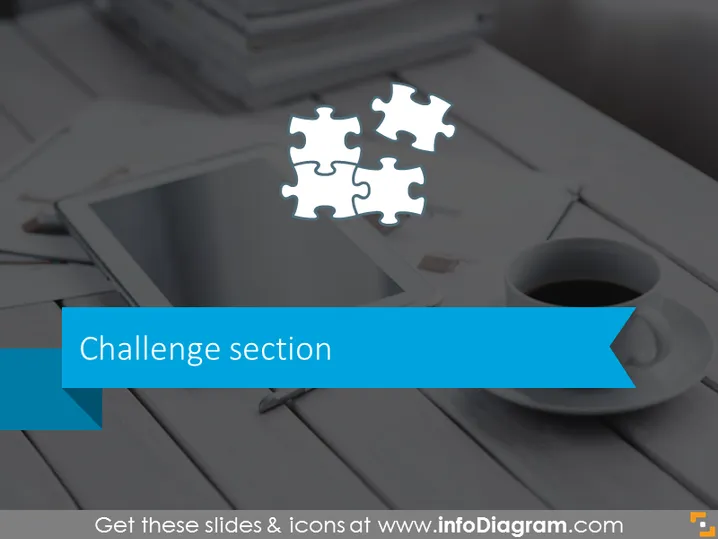
Challenge section
Slide Content
The slide is titled "Challenge section" which suggests it is focused on presenting the challenges faced in a certain context or project. The use of a puzzle piece graphic symbolizes that there are different elements which need to come together to complete a task, solve a problem, or address a challenge. This imagery is frequently used to represent the idea that all parts need to fit perfectly to achieve success, emphasizing the need for careful consideration and strategizing.
Graphical Look
- Background of the slide depicts a desaturated photographic image that includes a tablet, stylus, cup of coffee, and a part of a notebook, suggesting a professional or creative work setting.
- Over the image, there are four interconnected puzzle pieces, centered towards the top; three are white and one is transparent, possibly representing missing or incomplete information or a piece of the challenge yet to be solved.
- The title "Challenge section" is written in a large, bold sans-serif font, set against a ribbon banner-style shape with a solid blue color, giving it a prominent presence on the slide.
- The ribbon banner has a folded arrow effect on the right end, adding a dynamic and modern look to the title area.
The overall look is professional and modern, with a clear focus on the central theme of challenges. The choice of imagery and color creates a business-like atmosphere suitable for corporate presentations.
Use Cases
- To introduce the challenge phase of a project during a project management presentation.
- In problem-solving workshops where identifying and discussing key challenges is required.
- When setting the stage for a case study that focuses on obstacles faced by a business or organization.
- To prompt discussion in strategy meetings about hurdles that must be overcome for success.
How to Edit
How to edit text & colors

How to expand / shorten diagram

How to Replace Icons in infoDiagram PPT


