
Reviews
Your slides are my 'secret sauce' when it comes to visualising my ideas to clients. I'm saving so much time.
InfoDiagram has been a wonderful resource since I found the product site a few years ago.
Your slides often generate good comments and ideas from my team that improve the final slides.
Description
Review Meeting Summary
Slide Content
The slide titled "Review Meeting Summary" is intended for a presentation slide context typically used to summarize the key points and outcomes of a review meeting. This slide would be shown towards the end of a presentation to encapsulate the critical discussions and decisions made, ensuring that all attendees have a clear understanding of what was covered and what the next steps might be.
Graphical Look
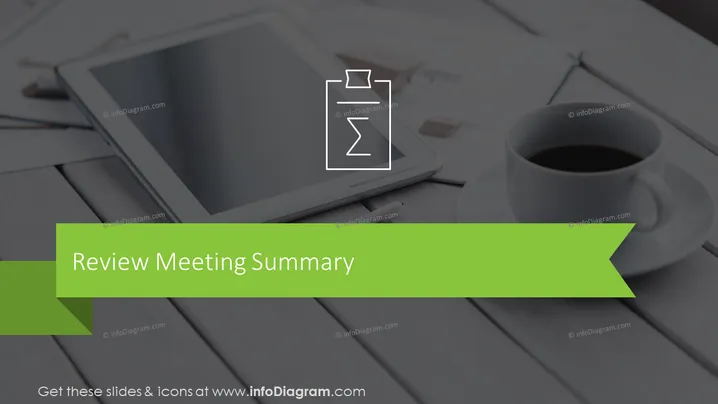
- The slide features a large photograph background showing a tablet, a stylus, and a cup of coffee on a wooden surface, suggesting a professional setting.
- A semi-transparent dark overlay covers the photo, enhancing the text visibility.
- The title "Review Meeting Summary" is prominently displayed in a large white font centered near the top of the slide.
- A green banner stretches from the bottom left to the middle right of the slide with a pointed arrow shape on its right end.
- An icon of a clipboard with a timer is overlaid on top of the green banner, aligning with the theme of reviewing and summarizing details efficiently.
The slide is a blend of professional imagery and minimal text, utilizing contrasting colors and clear iconography to convey its message. The design is sleek and modern, with ample space to suggest a focused and straightforward topic.
Use Cases
- Summarizing the key points at the end of a project or phase review meeting.
- Providing a snapshot of discussions, decisions, and action items in management briefings.
- Assisting in the encapsulation of meeting outcomes for stakeholders who could not attend.
- Serving as a closing slide in webinars or training sessions to highlight the main takeaways.
How to Edit
How to edit text & colors

How to expand / shorten diagram

How to Replace Icons in infoDiagram PPT


