
Reviews
Your graphics add a nice touch to my presentations and I recently used them for one of my all-hands meetings. Your toolbox adds professionalism to my slides. Instead of using standard clipart.
I needed a fresh look at some of my slides. I've tried to find a way to create a paintbrush effect, to underline, accentuate, add some color and the handwritten markers were just the things. Very easy to use, easy to size, change the color. It was an affordable, perfect solution and I'm happy to recommend it.
The crisp, clean look of the graphics, and the fact that it allowed me to easily edit and change the colors to match the template was my main reason for purchasing them.
Description
Medical specializations: General Practitioner
Slide Content
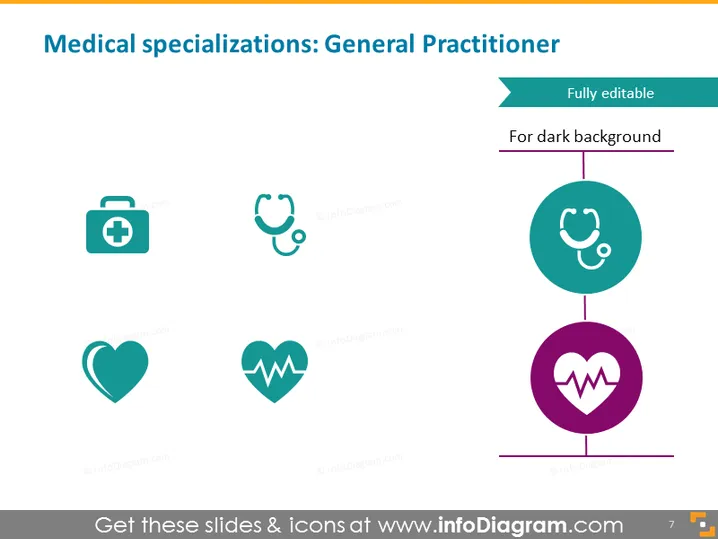
The PowerPoint slide is focused on the medical specializations of a General Practitioner (GP), visually represented through a series of icons. Each icon corresponds to a specific aspect of the GP's role: a briefcase with a cross symbolizing healthcare administration, a stethoscope representing clinical examinations, a heart shape indicating a focus on cardiovascular health, and a heartbeat line denoting general health monitoring. These items collectively emphasize the broad skill set and areas of knowledge required of a general practitioner.
Graphical Look
- The slide has a clean, professional design with a white background.
- Four icons aligned horizontally across the top, each representing different aspects of medical care.
- The icons are teal and rendered in a simple, flat graphic style.
- There is a vertical line connecting the stethoscope icon to two circles, one on top of the other.
- The circles are teal and purple and contain the stethoscope and heartbeat icons, enlarged.
- Above the top circle, there is a turquoise-colored ribbon with the text "Fully editable" and a subtitle "For dark background".
- The slide number "7" is positioned at the bottom right corner in an orange rectangle.
The overall look of the slide is modern and sleek, with a minimalist color scheme that emphasizes clarity and visual appeal. The use of icons and connecting lines suggests a systematic and interconnected approach to the topic of general medical practice.
Use Cases
- Presenting an overview of a general practitioner's responsibilities in medical conferences or educational settings.
- Utilizing in medical school curriculums to introduce students to the scope of general practice.
- As part of a healthcare organization's internal training materials to explain the roles within a medical team.
- In promotional material for medical services to highlight the comprehensive care provided by general practitioners.
How to Edit
How to edit text & colors

How to expand / shorten diagram

How to Replace Icons in infoDiagram PPT


