

Your graphics add a nice touch to my presentations and I recently used them for one of my all-hands meetings. Your toolbox adds professionalism to my slides. Instead of using standard clipart.
Claude Jones, Director of Engineer, @Walmartlabs, USA

Your graphics add a nice touch to my presentations and I recently used them for one of my all-hands meetings. Your toolbox adds professionalism to my slides. Instead of using standard clipart.
Claude Jones, Director of Engineer, @Walmartlabs, USA
I needed a fresh look at some of my slides. I've tried to find a way to create a paintbrush effect, to underline, accentuate, add some color and the handwritten markers were just the things. Very easy to use, easy to size, change the color. It was an affordable, perfect solution and I'm happy to recommend it.
Anonymous, US
The crisp, clean look of the graphics, and the fact that it allowed me to easily edit and change the colors to match the template was my main reason for purchasing them.
Brandie Jenkins, E-learning Developer, USA
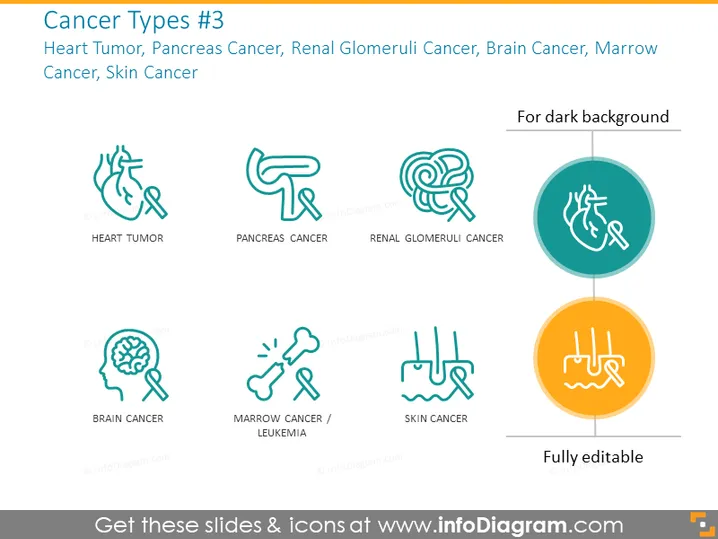
The PowerPoint slide presents icons representing various types of cancer, indicated for use on dark backgrounds and highlighting their full editability. Specifically mentioned are Heart Tumor, Pancreas Cancer, Renal Glomeruli Cancer, Brain Cancer, Marrow Cancer, and Skin Cancer. Each icon visually interprets the affected organ or location of the cancer, aiding in the quick recognition of the disease type.
The slide has a clean and modern look, with a balanced use of white space and simple, appealing graphics. The color scheme is coherent, with muted teal and orange highlights to guide the viewer's focus.



