

Your graphics add a nice touch to my presentations and I recently used them for one of my all-hands meetings. Your toolbox adds professionalism to my slides. Instead of using standard clipart.
Claude Jones, Director of Engineer, @Walmartlabs, USA

Your graphics add a nice touch to my presentations and I recently used them for one of my all-hands meetings. Your toolbox adds professionalism to my slides. Instead of using standard clipart.
Claude Jones, Director of Engineer, @Walmartlabs, USA
I needed a fresh look at some of my slides. I've tried to find a way to create a paintbrush effect, to underline, accentuate, add some color and the handwritten markers were just the things. Very easy to use, easy to size, change the color. It was an affordable, perfect solution and I'm happy to recommend it.
Anonymous, US
The crisp, clean look of the graphics, and the fact that it allowed me to easily edit and change the colors to match the template was my main reason for purchasing them.
Brandie Jenkins, E-learning Developer, USA
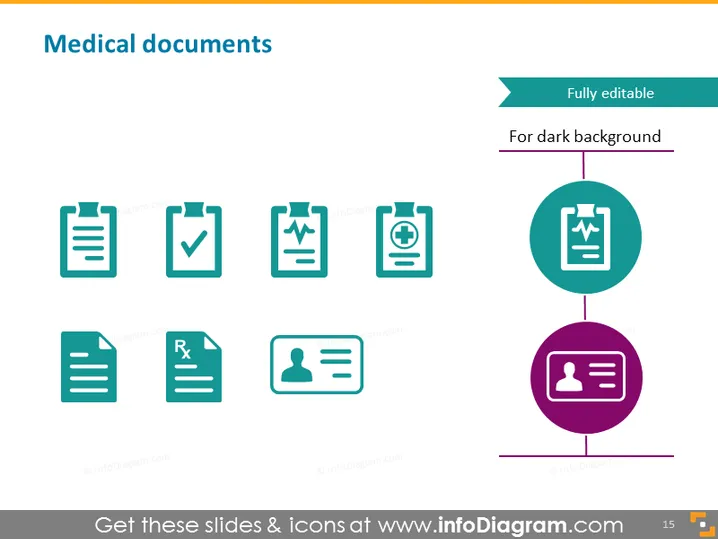
The slide is likely about different types of medical documents. Each icon on the slide appears to represent a specific category of medical documentation. There's a general document icon, which could be for patient records, a checkmark over a document that may signify completed tests or approvals, and a graph that could denote medical charts. An icon with a heart on the document might represent health records or cardiovascular reports specifically. There's a document with an "Rx" symbol, indicating a prescription, while the icon featuring a person might refer to patient identification or personal medical declarations. The two remaining highlighted icons present a magnifying glass for analysis or in-depth examination, and the last icon, with multiple people, might denote records involving family or medical history.
The slide presents a clean and professional look with a minimalist design. The icons are uniformly styled, providing a sense of coherence and are easily identifiable, supporting quick visual communication of the slide’s topic.



