
Reviews
Ihre Grafiken verleihen meinen Präsentationen eine nette Note, und ich habe sie kürzlich für eines meiner All-Hands-Meetings verwendet. Ihre Toolbox verleiht meinen Folien Professionalität, anstatt Standard-Clipart zu verwenden.
Ich brauchte einen neuen Blick auf einige meiner Folien. Ich habe versucht, einen Weg zu finden, einen Pinselschlag-Effekt zu erzielen, um zu unterstreichen, hervorzuheben, Farbe hinzuzufügen, und die handgeschriebenen Markierungen waren genau das Richtige. Sehr einfach zu bedienen, leicht in der Größe zu ändern, die Farbe zu ändern. Es war eine erschwingliche, perfekte Lösung und ich empfehle sie gerne weiter.
Die klare, saubere Optik der Grafiken und die Tatsache, dass ich die Farben leicht bearbeiten und an die Vorlage anpassen konnte, war mein Hauptgrund für den Kauf.
Description
Media types
Slide Content
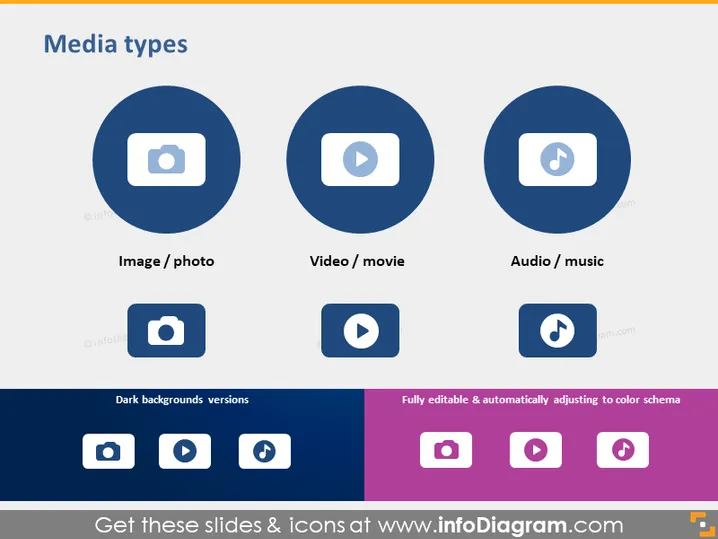
The slide titled "Media types" presents three different types of media content: Image/photo, Video/movie, and Audio/music. Each media type is represented by an easily recognizable icon: a camera for Image/photo, a play button for Video/movie, and a musical note for Audio/music. The slide also includes alternate versions of these icons suitable for dark backgrounds, hinting at the slide’s adaptability to various presentation designs and emphasizing its utility for visually representing different media formats.
Graphical Look
- The slide background is plain white for a clean and uncluttered appearance.
- At the top, the slide title "Media types" is presented in bold, with a larger font size for emphasis.
- Three circular shapes with icons inside represent different media types; the circles are dark blue with a white icon for a high-contrast design.
- Below each circular icon is the corresponding label for the media type it represents.
- There’s a separate section at the bottom labeled "Dark backgrounds versions," showcasing the same icons against a dark blue background.
- Additional smaller icons in a horizontal row include colors such as lighter blue, purple, and pink, indicating customization options.
- The icons and text are aligned in a grid layout to maintain balance and order.
The slide’s visual design is clean and modern, with a strong emphasis on visual hierarchy. The use of icons within colored circles provides a quick visual reference to the types of media content discussed.
Use Cases
- To present the types of content available in a digital asset management platform during a business meeting.
- As part of a marketing presentation to showcase the various media formats used in a campaign.
- In a training session about multimedia usage in educational materials, highlighting the different types of resources.
- When briefing a team about the content creation strategy for a company's social media channels.
How to Edit
How to edit text & colors

How to expand / shorten diagram

How to Replace Icons in infoDiagram PPT


