
Reviews
Sus gráficos añaden un toque agradable a mis presentaciones y recientemente los usé para una de mis reuniones generales. Su conjunto de herramientas añade profesionalismo a mis diapositivas. En lugar de usar imágenes prediseñadas estándar.
Necesitaba un aspecto fresco para algunas de mis diapositivas. Había intentado encontrar una forma de crear un efecto de pincel, de subrayar, acentuar, añadir algo de color y los marcadores escritos a mano fueron justo lo que necesitaba. Muy fácil de usar, fácil de ajustar el tamaño, cambiar el color. Fue una solución asequible y perfecta, y estoy feliz de recomendarla.
El aspecto nítido y limpio de los gráficos, y el hecho de que me permitiera editar y cambiar fácilmente los colores para que coincidieran con la plantilla fue mi principal razón para comprarlos.
Description
MEDIA DATA CONTENT
Slide Content
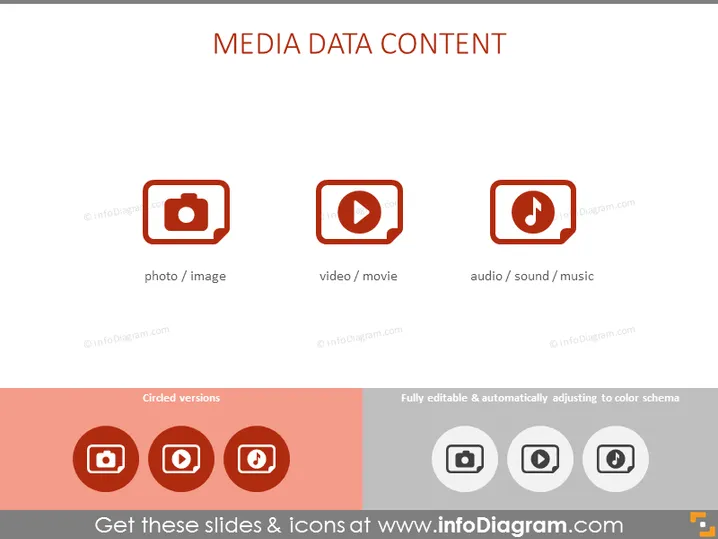
This PowerPoint slide is titled "MEDIA DATA CONTENT" and focuses on three types of media: photo/image—visual representations often captured by cameras, video/movie—recorded moving visuals often used in entertainment or education, and audio/sound/music—aural content used for communication or artistic expression. These elements are fundamental in digital and media communications as they compose the majority of content consumed on various platforms.
Graphical Look
- The slide uses a minimalistic and modern design with ample white space.
- There are three main icons centered horizontally across the slide, each within a distinct rounded square border.
- The icons represent, from left to right, a camera (photo/image), a play button (video/movie), and a musical note (audio/sound/music).
- Below these icons, text labels provide a simple explanation of each symbol.
- A coral-colored banner runs across the bottom containing additional, smaller icons and text indicating that these are "Circled versions" and that the content is "Fully editable & automatically adjusting to color schema."
- These bottom icons are variants of the three main icons above but encircled to provide an alternative design option.
The slide has a crisp, professional look with a clear and easy-to-understand visual presentation of the concepts. It is well-organized with uniform icon styles and sizes which contribute to a cohesive design.
Use Cases
- Presenting different types of media content options in a marketing or advertising strategy.
- Explaining multimedia elements during a web design or user interface presentation.
- Highlighting various content formats available on a digital platform during investor pitches.
- Introducing the scope of digital assets in a company's content management or social media training sessions.
How to Edit
How to edit text & colors

How to expand / shorten diagram

How to Replace Icons in infoDiagram PPT


