

Your graphics add a nice touch to my presentations and I recently used them for one of my all-hands meetings. Your toolbox adds professionalism to my slides. Instead of using standard clipart.
Claude Jones, Director of Engineer, @Walmartlabs, USA

Your graphics add a nice touch to my presentations and I recently used them for one of my all-hands meetings. Your toolbox adds professionalism to my slides. Instead of using standard clipart.
Claude Jones, Director of Engineer, @Walmartlabs, USA
I needed a fresh look at some of my slides. I've tried to find a way to create a paintbrush effect, to underline, accentuate, add some color and the handwritten markers were just the things. Very easy to use, easy to size, change the color. It was an affordable, perfect solution and I'm happy to recommend it.
Anonymous, US
The crisp, clean look of the graphics, and the fact that it allowed me to easily edit and change the colors to match the template was my main reason for purchasing them.
Brandie Jenkins, E-learning Developer, USA
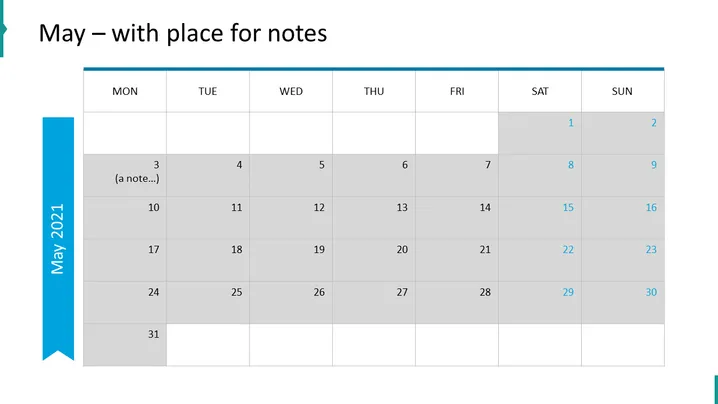
The slide is a visual representation of a calendar for the month of May with additional space for notes. Each cell corresponds to a date, with Monday through Sunday labeled at the top. There's an example note placed on the 3rd. The calendar is utilized as a planning tool to track events and tasks, enabling the jotting down of key information next to specific dates, thus facilitating organization and schedule management throughout the month.
The overall look of the slide is clean and professional, with a straightforward design that emphasizes functionality. The color scheme is simple, focusing on blues and greys to distinguish between current and adjoining month's dates.



