

Your graphics add a nice touch to my presentations and I recently used them for one of my all-hands meetings. Your toolbox adds professionalism to my slides. Instead of using standard clipart.
Claude Jones, Director of Engineer, @Walmartlabs, USA

Your graphics add a nice touch to my presentations and I recently used them for one of my all-hands meetings. Your toolbox adds professionalism to my slides. Instead of using standard clipart.
Claude Jones, Director of Engineer, @Walmartlabs, USA
I needed a fresh look at some of my slides. I've tried to find a way to create a paintbrush effect, to underline, accentuate, add some color and the handwritten markers were just the things. Very easy to use, easy to size, change the color. It was an affordable, perfect solution and I'm happy to recommend it.
Anonymous, US
The crisp, clean look of the graphics, and the fact that it allowed me to easily edit and change the colors to match the template was my main reason for purchasing them.
Brandie Jenkins, E-learning Developer, USA
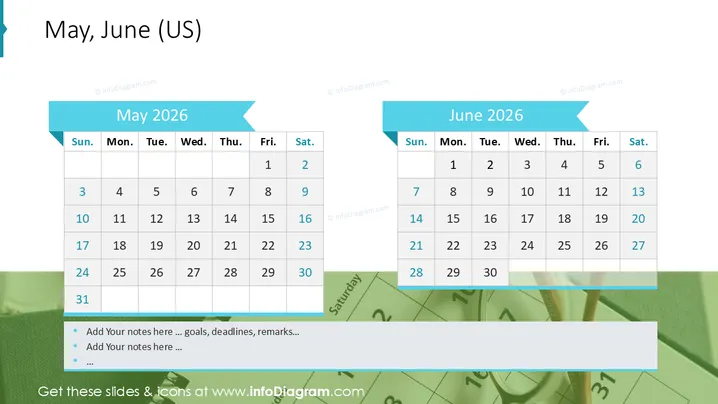
The slide features two separate monthly calendars side by side for May 2026 and June 2026 . Each calendar displays the standard grid layout with columns labeled from Sunday to Saturday and rows representing the weeks of the month. Specific dates are highlighted to potentially indicate important events or milestones. For May, the dates 10, 17, 24, and 31 are highlighted, while for June, the dates 7, 14, 21, and 28 are highlighted, all of which are Saturdays.
The slide has a very clean, minimalistic design with a largely white background that accentuates the color-coded calendars. The use of blue for headers and highlighted dates provides a professional, cohesive look that is easy to read.



