

Your graphics add a nice touch to my presentations and I recently used them for one of my all-hands meetings. Your toolbox adds professionalism to my slides. Instead of using standard clipart.
Claude Jones, Director of Engineer, @Walmartlabs, USA

Your graphics add a nice touch to my presentations and I recently used them for one of my all-hands meetings. Your toolbox adds professionalism to my slides. Instead of using standard clipart.
Claude Jones, Director of Engineer, @Walmartlabs, USA
I needed a fresh look at some of my slides. I've tried to find a way to create a paintbrush effect, to underline, accentuate, add some color and the handwritten markers were just the things. Very easy to use, easy to size, change the color. It was an affordable, perfect solution and I'm happy to recommend it.
Anonymous, US
The crisp, clean look of the graphics, and the fact that it allowed me to easily edit and change the colors to match the template was my main reason for purchasing them.
Brandie Jenkins, E-learning Developer, USA
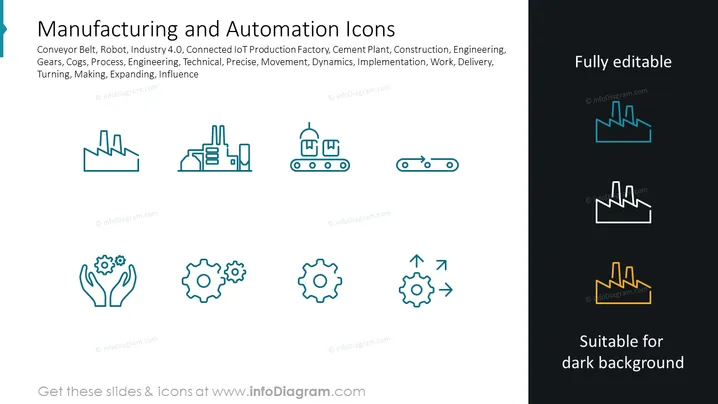
The slide presents a set of icons related to "Manufacturing and Automation." These icons represent various concepts within the field, including Conveyor Belt (symbolizing transport or production lines), Robot (indicative of automation and robotics), Industry 4.0 (the modern trend of automation which includes cyber-physical systems), Connected IoT Production Factory (Internet of Things and its contribution to manufacturing), Cement Plant (indicating the construction industry), Construction, Engineering, Gears (depicting machinery or teamwork), Cogs, Process, Engineering, Technical, Precise, Movement, Dynamics, Implementation, Work, Delivery, Turning, Making, Expanding, and Influence. Each term corresponds to a different aspect of manufacturing and automation, highlighting the diverse elements that make up the industry.
The slide's layout is straightforward and professional, with a clear thematic focus on industry and automation. The color scheme is minimal, centered around teal, white, and gold, which stands out against the dark background.



