
Your graphics add a nice touch to my presentations and I recently used them for one of my all-hands meetings. Your toolbox adds professionalism to my slides. Instead of using standard clipart.
Claude Jones, Director of Engineer, @Walmartlabs, USA
Your graphics add a nice touch to my presentations and I recently used them for one of my all-hands meetings. Your toolbox adds professionalism to my slides. Instead of using standard clipart.
Claude Jones, Director of Engineer, @Walmartlabs, USA
I needed a fresh look at some of my slides. I've tried to find a way to create a paintbrush effect, to underline, accentuate, add some color and the handwritten markers were just the things. Very easy to use, easy to size, change the color. It was an affordable, perfect solution and I'm happy to recommend it.
Anonymous, US
The crisp, clean look of the graphics, and the fact that it allowed me to easily edit and change the colors to match the template was my main reason for purchasing them.
Brandie Jenkins, E-learning Developer, USA
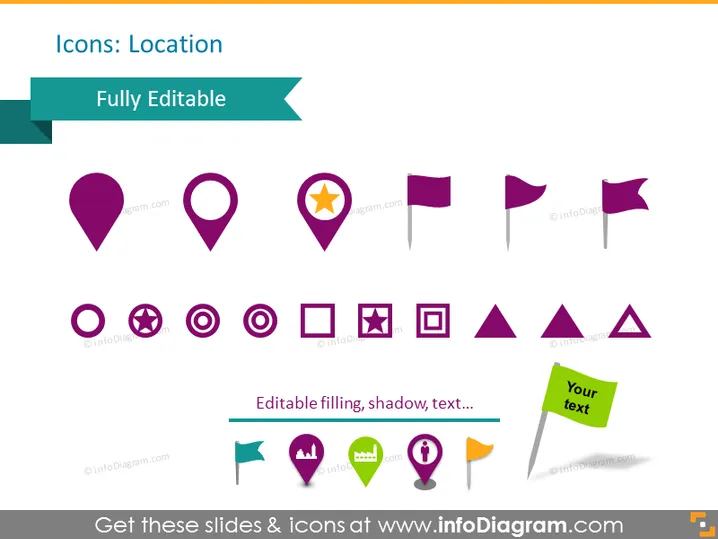
The PowerPoint slide titled "Icons: Location" presents a variety of map and location-related icons, which are indicated to be fully editable. These icons include different styles of map pins and flags, often used to denote points of interest or locations on maps. Additional icons represent map markers with various symbols like information, forbidden sign, and a star, suggesting specific types of locations like tourist attractions, restricted areas, or favorite spots.
The slide has a clean, modern design using a simple white background that underscores the colorful icons, ensuring they are the focal points. The use of various shades of purple for the icons provides visual cohesion, while the aqua teal banners create a pleasing color contrast.




