
Reviews
Your graphics add a nice touch to my presentations and I recently used them for one of my all-hands meetings. Your toolbox adds professionalism to my slides. Instead of using standard clipart.
I needed a fresh look at some of my slides. I've tried to find a way to create a paintbrush effect, to underline, accentuate, add some color and the handwritten markers were just the things. Very easy to use, easy to size, change the color. It was an affordable, perfect solution and I'm happy to recommend it.
The crisp, clean look of the graphics, and the fact that it allowed me to easily edit and change the colors to match the template was my main reason for purchasing them.
Description
Local network
Slide Content
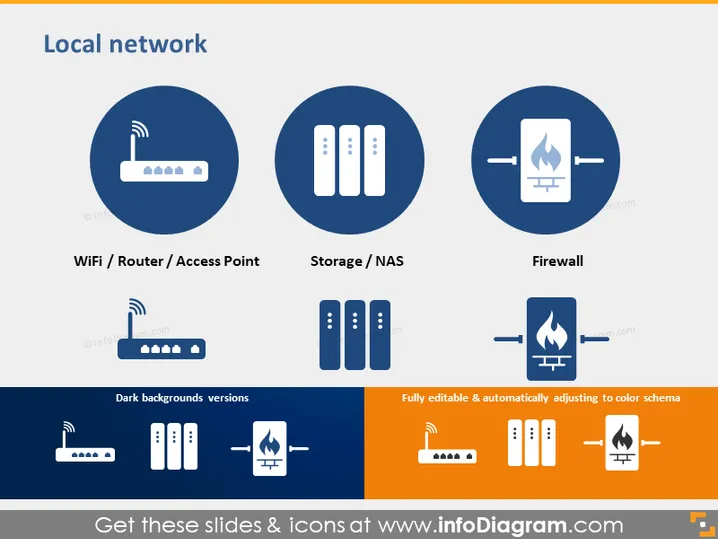
The PowerPoint slide titled "Local network" provides a conceptual overview of three key components of a local network infrastructure. The first item is "WiFi / Router / Access Point," which refers to the device that provides wireless connectivity. The second item, "Storage / NAS," represents the hardware used for storing data centrally on the network. Lastly, the "Firewall" item symbolizes the security system that protects the network from unauthorized access and cyber threats.
Graphical Look
- The slide has a blue and orange color scheme, with blue being the dominant color.
- There are three main circular graphical elements, each with an icon representing different network components.
- Beneath each circular element, there's a corresponding caption in white text identifying the component.
- Above these captions, smaller versions of the icons are provided against a dark background for contrast variation.
- An additional rectangular box on the bottom right corner delineates the template's properties: fully editable and color adaptive.
- The slide's title, "Local network," is prominently displayed at the top in a larger white font against a dark background.
The slide's overall look is clean, professional, and visually balanced with a good contrast between the elements and the background. The use of icons simplifies complex technical concepts, making them easily understandable.
Use Cases
- Introducing the basic components of a local network infrastructure during an IT training session.
- Presenting a company's existing network setup to stakeholders or new team members.
- Using as a visual aid while explaining network upgrades or security improvements during a business meeting.
- Incorporating into a pitch to potential clients on how a business plans to manage their network installations or upgrades.
How to Edit
How to edit text & colors

How to expand / shorten diagram

How to Replace Icons in infoDiagram PPT


