

Your graphics add a nice touch to my presentations and I recently used them for one of my all-hands meetings. Your toolbox adds professionalism to my slides. Instead of using standard clipart.
Claude Jones, Director of Engineer, @Walmartlabs, USA

Your graphics add a nice touch to my presentations and I recently used them for one of my all-hands meetings. Your toolbox adds professionalism to my slides. Instead of using standard clipart.
Claude Jones, Director of Engineer, @Walmartlabs, USA
I needed a fresh look at some of my slides. I've tried to find a way to create a paintbrush effect, to underline, accentuate, add some color and the handwritten markers were just the things. Very easy to use, easy to size, change the color. It was an affordable, perfect solution and I'm happy to recommend it.
Anonymous, US
The crisp, clean look of the graphics, and the fact that it allowed me to easily edit and change the colors to match the template was my main reason for purchasing them.
Brandie Jenkins, E-learning Developer, USA
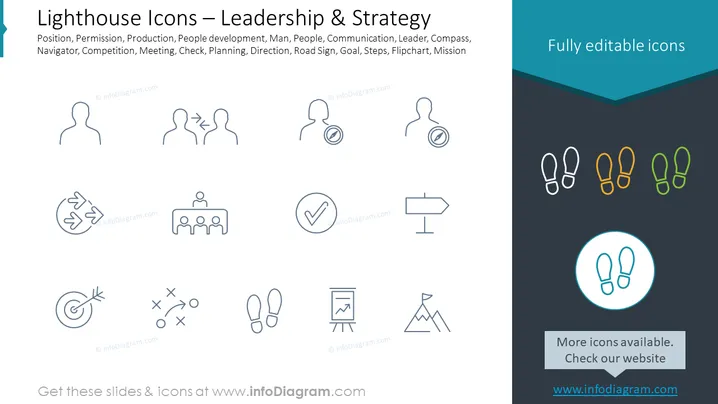
The PowerPoint slide presents a collection of minimalist icons associated with leadership and strategy themes. It includes symbols representing concepts such as Position, a person or role’s status; Permission, the grant of authority; Production, the process of creating goods; People development, enhancing team capabilities; Man or People, human resources; Communication, exchanging information; Leader, someone who guides; Compass, for navigation; Competition, rivalry in business; Meeting, a gathering for discussion; Check, a sign of approval; Planning, organizing future actions; Direction, guidance on a path to take; Road Sign, for navigation guidance; Goal, an objective to be achieved; Steps, the actions towards a goal; Flipchart, a tool for presentations and brainstorming; and Mission, the overarching purpose or goal.
The overall look of the slide is modern and professional, utilizing a harmonious color palette and intuitive icons that clearly convey various management and leadership concepts.



