
Reviews
The icons are fantastic, easy to use, and will add value to any project or presentation. Keep up the great work.
I love how simple infoDiagram's solutions are and the personal interest they took in my work. Recommended 1000%!
The crisp, clean look of the graphics, and the fact that it allowed me to easily edit and change the colors to match the template was my main reason for purchasing them.
Description
Raised crops
Slide Content
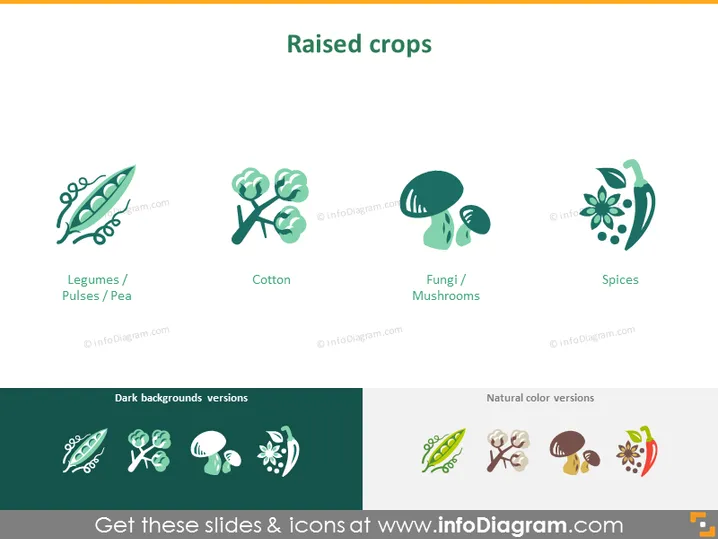
The PowerPoint slide titled "Raised crops" displays a collection of four different crop categories, each explained with a graphic and a label underneath: Legumes/Pulses/Pea, which are protein-rich seeds; Cotton, which is used in textile production; Fungi/Mushrooms, a diverse group of organisms used in food and medicine; and Spices, which are used to add flavor to food.
Graphical Look
- The slide background is plain white.
- There are four stylized icons representing different crops, evenly spaced across the slide.
- Each icon has a corresponding label beneath it in simple black text.
- The icons appear in a dual-tone color palette, one for the actual object and a darker shade for the shadow or detail.
- The lower part of the slide shows thumbnails of the icons against dark and natural-color backgrounds, serving as color variation examples.
The slide has a modern and minimalistic look, with well-organized graphics creating a visually appealing layout, making it easy to identify each crop type at a glance.
Use Cases
- Presenting an overview of crop types in an agricultural business presentation.
- Displaying different categories of products in a food industry seminar.
- Illustrating the types of crops a company deals with to investors or partners during meetings.
- Educating students about different crop types in an academic setting such as a botany or agriculture course.
How to Edit
How to edit text & colors

How to expand / shorten diagram

How to Replace Icons in infoDiagram PPT


