
Reviews
Sus gráficos añaden un toque agradable a mis presentaciones y recientemente los usé para una de mis reuniones generales. Su conjunto de herramientas añade profesionalismo a mis diapositivas. En lugar de usar imágenes prediseñadas estándar.
Necesitaba un aspecto fresco para algunas de mis diapositivas. Había intentado encontrar una forma de crear un efecto de pincel, de subrayar, acentuar, añadir algo de color y los marcadores escritos a mano fueron justo lo que necesitaba. Muy fácil de usar, fácil de ajustar el tamaño, cambiar el color. Fue una solución asequible y perfecta, y estoy feliz de recomendarla.
El aspecto nítido y limpio de los gráficos, y el hecho de que me permitiera editar y cambiar fácilmente los colores para que coincidieran con la plantilla fue mi principal razón para comprarlos.
Description
Products
Slide Content
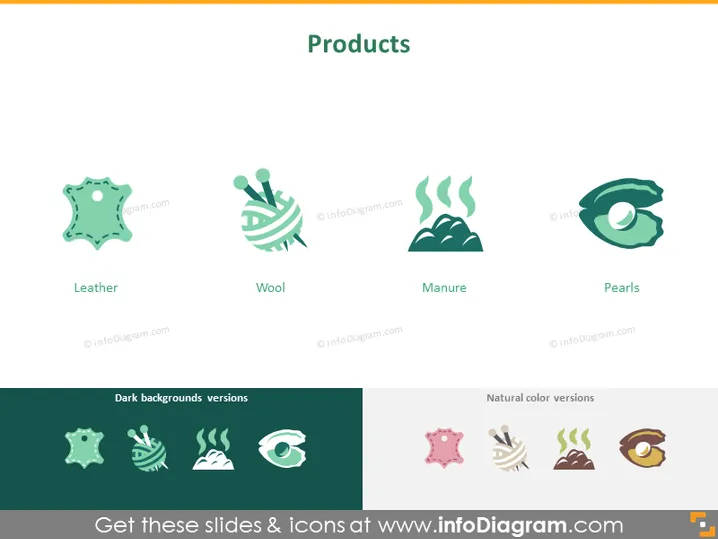
This PowerPoint slide is titled "Products" and presents four different products which are illustrated by icons and labeled accordingly: "Leather," "Wool," "Manure," and "Pearls." Each product is represented by a simplistic but recognizable icon: leather is depicted as a piece of hide, wool as a ball of yarn, manure as a pile with steam lines, and pearls as a single pearl in a shell. The icons serve to visually convey the essence of each product quickly and effectively.
Graphical Look
- The slide's background is a plain white for the upper section and split between a dark green and a pale pink for the lower section contrasted by icons in inverse colors.
- There are four main icons in the upper section, each depicting a different product, illustrated with a minimalist style and light colors.
- Below each icon, the product name is written in a simple, black font, enhancing readability.
- In the lower section, there are two groups titled "Dark backgrounds versions" and "Natural color versions," each containing four icons matching the products above but adapted for visibility on dark or natural backgrounds.
- Each icon is encapsulated in its own circular shaped area, giving the slide a uniform and organized appearance.
The slide has a clean and modern aesthetic with the use of flat design icons and a contrasting color scheme for the alternative icon versions. The visual elements are balanced and neatly arranged, offering a professional look suitable for a business presentation.
Use Cases
- Showcasing a company's range of products in a visually engaging manner during a business presentation.
- Enhancing product training materials to help employees familiarize themselves with what the company offers.
- Providing a quick reference in a marketing deck, highlighting key products to potential clients or investors.
- Used in trade show presentations as a simple visual summary of goods being promoted or sold.
How to Edit
How to edit text & colors

How to expand / shorten diagram

How to Replace Icons in infoDiagram PPT


