

Your graphics add a nice touch to my presentations and I recently used them for one of my all-hands meetings. Your toolbox adds professionalism to my slides. Instead of using standard clipart.
Claude Jones, Director of Engineer, @Walmartlabs, USA

Your graphics add a nice touch to my presentations and I recently used them for one of my all-hands meetings. Your toolbox adds professionalism to my slides. Instead of using standard clipart.
Claude Jones, Director of Engineer, @Walmartlabs, USA
I needed a fresh look at some of my slides. I've tried to find a way to create a paintbrush effect, to underline, accentuate, add some color and the handwritten markers were just the things. Very easy to use, easy to size, change the color. It was an affordable, perfect solution and I'm happy to recommend it.
Anonymous, US
The crisp, clean look of the graphics, and the fact that it allowed me to easily edit and change the colors to match the template was my main reason for purchasing them.
Brandie Jenkins, E-learning Developer, USA
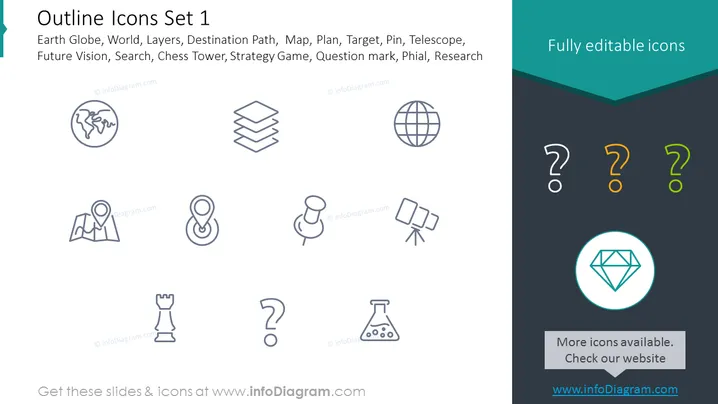
This PowerPoint slide is titled "Outline Icons Set 1" and it presents a collection of various vector icons that signify different concepts: Earth Globe, representing the world or global scope; Layers, indicating organization or stratification; Destination Path, symbolizing navigation or journey; Map, for geographical representation; Plan, pointing to strategy or preparation; Target, denoting goals or objectives; Pin, signifying a location or point of interest; Telescope, corresponding to vision or exploration; Future Vision, suggesting foresight or planning ahead; Search, referring to inquiry or examination; Chess Tower, for strategic moves or defense; Strategy Game, indicating competitive planning or tactics; Question mark, representing inquiry or uncertainty; Phial, symbolizing experimentation or samples; and Research, denoting investigation or analysis.
The PowerPoint slide has a clean and professional look with a minimalistic design, using contrasting colors and symmetrical layout to present an assortment of editable vector icons in an easy-to-understand format.



