
Reviews
Your slides are my 'secret sauce' when it comes to visualising my ideas to clients. I'm saving so much time.
InfoDiagram has been a wonderful resource since I found the product site a few years ago.
Your slides often generate good comments and ideas from my team that improve the final slides.
Description
Law and Justice Icons
Slide Content
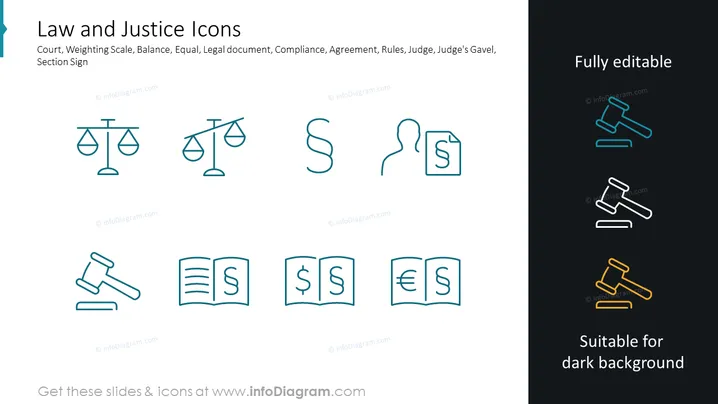
The PowerPoint slide is titled "Law and Justice Icons" and showcases a variety of thematically related icons: two different scales representing balance and fairness, a paragraph symbol for legal documents, a side profile with a dollar sign indicating compliance or financial law, a document with a dollar sign symbolizing financial agreements or monetary rules, a gavel for judicial authority, a set of three books with currency signs suggesting financial laws, and lastly, gavels in various colors for versatility in presentation design.
Graphical Look
- The slide has a clean and modern design with a white background.
- At the top, there is a title in large, bold font.
- Icons are arranged in two rows, each containing four graphical representations.
- The icons use a thin-line style and are predominantly in a teal color.
- To the right, there are three gavels that are shown in different colors: blue, black, and yellow, with texts "Fully editable" and "Suitable for dark background" respectively.
- The graphical objects are evenly spaced and aligned for a balanced composition.
The slide has a professional and visually pleasing aesthetic, with a minimalist approach to design. It uses color sparingly to draw attention to specific elements and to denote the adaptability of the icons for various presentation backgrounds.
Use Cases
- To visually enhance sections in a legal or law-related business presentation.
- For educators or instructors preparing slides for lectures on justice systems or legal studies.
- As visual aids in compliance training sessions within corporations.
- During legal workshops or seminars to symbolize different topics or sessions related to law and regulation.
How to Edit
How to edit text & colors

How to expand / shorten diagram

How to Replace Icons in infoDiagram PPT


