Reviews
Vos graphiques ajoutent une belle touche à mes présentations et je les ai récemment utilisés pour l'une de mes réunions générales. Votre boîte à outils ajoute du professionnalisme à mes diapositives. Au lieu d'utiliser des cliparts standards.
J'avais besoin d'un nouveau regard sur certaines de mes diapositives. J'ai essayé de trouver un moyen de créer un effet de pinceau, de souligner, d'accentuer, d'ajouter de la couleur et les marqueurs manuscrits étaient exactement ce qu'il fallait. Très facile à utiliser, facile à ajuster la taille, à changer la couleur. C'était une solution abordable et parfaite et je suis heureux de la recommander.
L'aspect net et épuré des graphiques, et le fait qu'il m'ait permis d'éditer et de changer facilement les couleurs pour les adapter au modèle, ont été les principales raisons de mon achat.
Description
Usage example
Slide Content
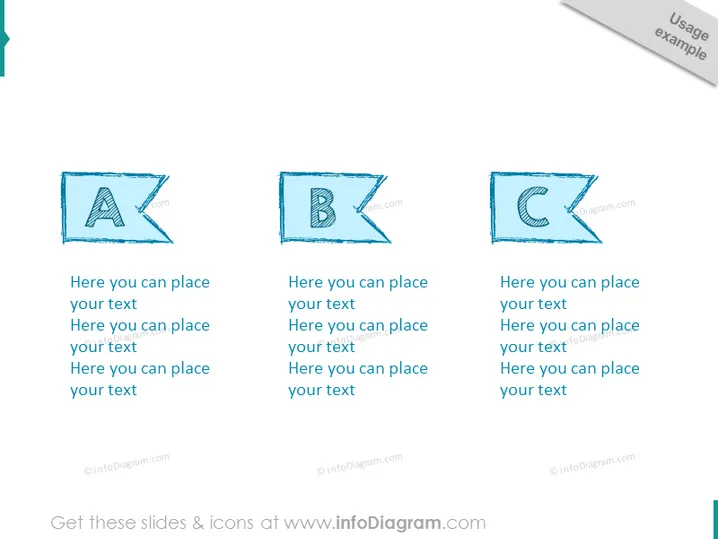
This slide appears to demonstrate a three-step process or a sequence of three elements. Each element is indicated by a capital letter — A, B, and C — signifying a progression or a set of categories. For example, "A" could represent the first stage in a process, "B" the second, and "C" the third. Each letter is followed by placeholder text, suggesting that the presenter should replace it with relevant information.
Graphical Look
- The slide background is white with a slight gradient, adding a subtle depth to the surface.
- Three skewed parallelogram shapes are aligned horizontally across the middle of the slide, each containing a large capital letter (A, B, C), adding visual distinction between the elements.
- The letters are stylized with a sketched effect, giving them an informal and creative appearance.
- Below each letter, there are two lines of placeholder text, lightly colored, indicating where additional details can be added.
- The parallelogram shapes and associated text labels utilize varying shades of blue, promoting a cohesive color scheme.
- Each shape casts a soft gray shadow on the slide, contributing to the visual impression of each element floating above the slide surface.
The overall look of the slide is modern and clean, with a creative twist provided by the sketched style of the lettering. The alignment and repetition of shapes create a sense of order and progression.
Use Cases
- Outlining step-by-step processes in project planning or workflow presentations.
- Describing key stages in product development or marketing strategy rollouts.
- Presenting sequential instructions or guidelines during training sessions.
- Highlighting a series of achievements or milestones in company updates or progress reports.
How to Edit
How to edit text & colors

How to expand / shorten diagram

How to Replace Icons in infoDiagram PPT



