

Your graphics add a nice touch to my presentations and I recently used them for one of my all-hands meetings. Your toolbox adds professionalism to my slides. Instead of using standard clipart.
Claude Jones, Director of Engineer, @Walmartlabs, USA

Your graphics add a nice touch to my presentations and I recently used them for one of my all-hands meetings. Your toolbox adds professionalism to my slides. Instead of using standard clipart.
Claude Jones, Director of Engineer, @Walmartlabs, USA
I needed a fresh look at some of my slides. I've tried to find a way to create a paintbrush effect, to underline, accentuate, add some color and the handwritten markers were just the things. Very easy to use, easy to size, change the color. It was an affordable, perfect solution and I'm happy to recommend it.
Anonymous, US
The crisp, clean look of the graphics, and the fact that it allowed me to easily edit and change the colors to match the template was my main reason for purchasing them.
Brandie Jenkins, E-learning Developer, USA
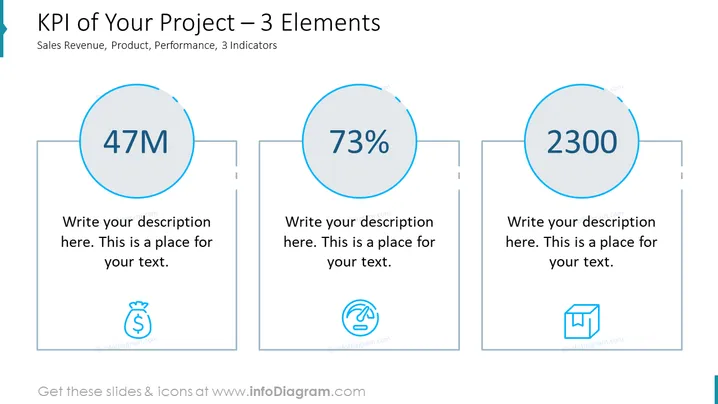
The slide presents three Key Performance Indicators (KPIs) related to a project, categorized by Sales Revenue, Product, and Performance. Each indicator has a large central number – "47M," "73%," and "2300," presumably representing monetary value, a percentage, and a count or score, respectively. Below each number, there's a placeholder for a description, implying that more details should be added to contextualize these figures. Accompanying icons suggest the nature of each KPI: a money bag for Sales Revenue, a finger swiping over a digital surface for Product, and a box for Performance.
The slide features a clean and minimalistic design with ample whitespace around the elements, creating an uncluttered visual experience. The use of icons aids quick comprehension of the represented KPIs.



