

Your graphics add a nice touch to my presentations and I recently used them for one of my all-hands meetings. Your toolbox adds professionalism to my slides. Instead of using standard clipart.
Claude Jones, Director of Engineer, @Walmartlabs, USA

Your graphics add a nice touch to my presentations and I recently used them for one of my all-hands meetings. Your toolbox adds professionalism to my slides. Instead of using standard clipart.
Claude Jones, Director of Engineer, @Walmartlabs, USA
I needed a fresh look at some of my slides. I've tried to find a way to create a paintbrush effect, to underline, accentuate, add some color and the handwritten markers were just the things. Very easy to use, easy to size, change the color. It was an affordable, perfect solution and I'm happy to recommend it.
Anonymous, US
The crisp, clean look of the graphics, and the fact that it allowed me to easily edit and change the colors to match the template was my main reason for purchasing them.
Brandie Jenkins, E-learning Developer, USA
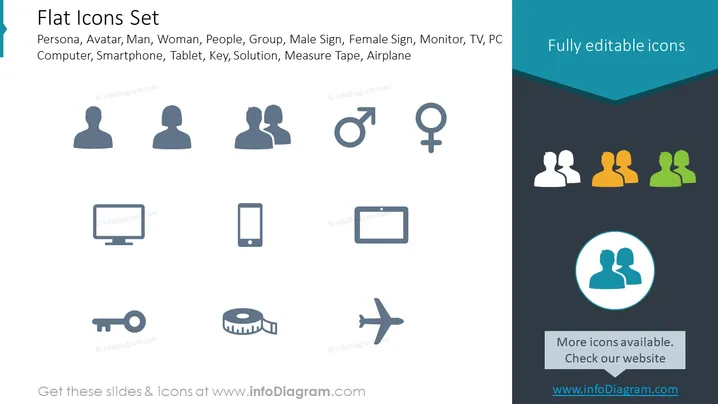
The slide is titled "Flat Icons Set" and shows a variety of simple, flat-style icons representing different concepts such as persona, avatar, gender symbols, electronic devices, and miscellaneous objects. These icons include a single person, a pair indicating a group, male and female gender symbols, a desktop computer, a smartphone, a tablet, a key symbolizing access or security, a solution icon in the form of a light bulb, a measuring tape for size representation, and an airplane for travel or transportation.
The slide has a modern and clean design that focuses on delivering visual information quickly and effectively. The use of flat, stylized icons and a consistent color palette provides a professional and cohesive look suitable for business or educational purposes.



