

Your graphics add a nice touch to my presentations and I recently used them for one of my all-hands meetings. Your toolbox adds professionalism to my slides. Instead of using standard clipart.
Claude Jones, Director of Engineer, @Walmartlabs, USA

Your graphics add a nice touch to my presentations and I recently used them for one of my all-hands meetings. Your toolbox adds professionalism to my slides. Instead of using standard clipart.
Claude Jones, Director of Engineer, @Walmartlabs, USA
I needed a fresh look at some of my slides. I've tried to find a way to create a paintbrush effect, to underline, accentuate, add some color and the handwritten markers were just the things. Very easy to use, easy to size, change the color. It was an affordable, perfect solution and I'm happy to recommend it.
Anonymous, US
The crisp, clean look of the graphics, and the fact that it allowed me to easily edit and change the colors to match the template was my main reason for purchasing them.
Brandie Jenkins, E-learning Developer, USA
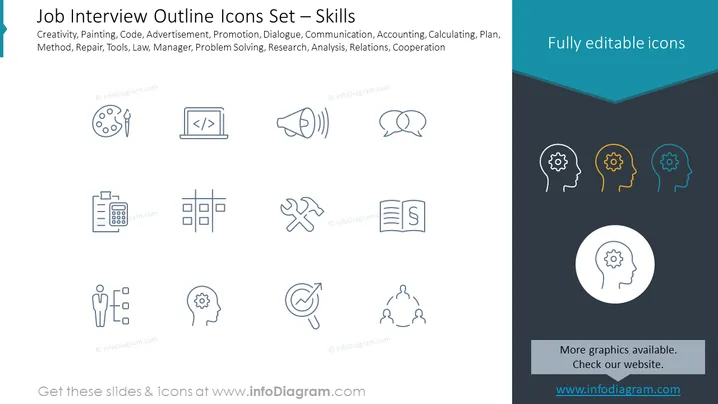
Slide Content: The slide presents a collection of icons representing different skills relevant to job interviews. These include Creativity (symbolized by a palette and paintbrush, suggesting artistic ability), Painting (also represented by the palette, indicating a focus on visual arts), Code (depicted with code brackets, implying programming skills), Advertisement (a megaphone icon, pointing to marketing or public speaking skills), Promotion (megaphone again, emphasizing the act of moving an idea or product forward), Dialogue (speech bubbles indicating communication skills), Communication (similarly depicted by speech bubbles, emphasizing exchange of information), Accounting (a calculator icon, showing financial proficiency), Calculating (calculator again, signifying numerical analysis), Plan (flowchart icon denoting strategic planning), Method (flowchart for systematic processes), Repair (wrench and screwdriver, indicating mechanical or technical repair skills), Tools (same wrench and screwdriver icon, suggesting practical or hands-on abilities), Law (a document with a scale, representing legal knowledge), Manager (a figure with subordinated boxes, indicating leadership), Problem Solving (cog inside a head, suggesting analytical thinking), Research (magnifying glass on target, denoting investigative skills), Analysis (cog inside the head for critical thinking), Relations (figures connected in a network, symbolizing interpersonal relationships), and Cooperation (linked figures also portraying collaborative efforts).
Graphical Look:
The overall look of the slide is clean and professional, with a straightforward layout for conveying information via icons and text. The slide uses contrast effectively, dividing content and providing a visually engaging right section with colorful graphics.
Use Cases:



