

Your graphics add a nice touch to my presentations and I recently used them for one of my all-hands meetings. Your toolbox adds professionalism to my slides. Instead of using standard clipart.
Claude Jones, Director of Engineer, @Walmartlabs, USA

Your graphics add a nice touch to my presentations and I recently used them for one of my all-hands meetings. Your toolbox adds professionalism to my slides. Instead of using standard clipart.
Claude Jones, Director of Engineer, @Walmartlabs, USA
I needed a fresh look at some of my slides. I've tried to find a way to create a paintbrush effect, to underline, accentuate, add some color and the handwritten markers were just the things. Very easy to use, easy to size, change the color. It was an affordable, perfect solution and I'm happy to recommend it.
Anonymous, US
The crisp, clean look of the graphics, and the fact that it allowed me to easily edit and change the colors to match the template was my main reason for purchasing them.
Brandie Jenkins, E-learning Developer, USA
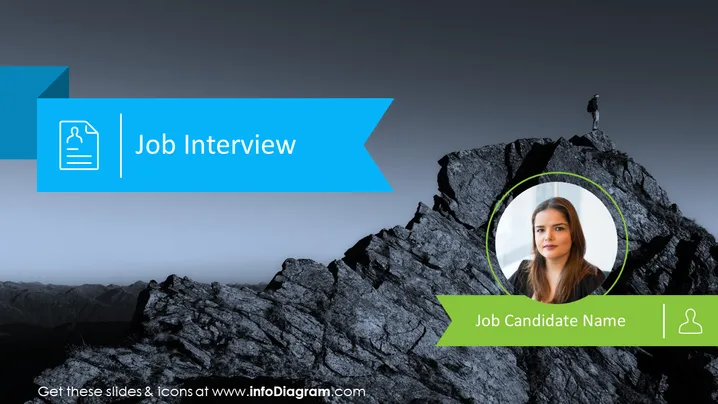
Slide Content: The PowerPoint slide is titled "Job Interview" and features a section where a job candidate's name can be added. The slide visually represents the concept of reaching the pinnacle of a job search, with the imagery of a mountain peak and a climber at the summit, juxtaposed with a portrait of the job candidate. The candidate's photo is encircled, highlighting their prominence in the context of the job interview process.
Graphical Look:
The slide exhibits a professional and motivational design with a stark contrast between the vibrant title and ribbon elements against the subdued mountainous background. It effectively combines text and visual elements to create a focused message about job interviews and the candidate being presented.
Use Cases:



