
Your graphics add a nice touch to my presentations and I recently used them for one of my all-hands meetings. Your toolbox adds professionalism to my slides. Instead of using standard clipart.
Claude Jones, Director of Engineer, @Walmartlabs, USA
Your graphics add a nice touch to my presentations and I recently used them for one of my all-hands meetings. Your toolbox adds professionalism to my slides. Instead of using standard clipart.
Claude Jones, Director of Engineer, @Walmartlabs, USA
I needed a fresh look at some of my slides. I've tried to find a way to create a paintbrush effect, to underline, accentuate, add some color and the handwritten markers were just the things. Very easy to use, easy to size, change the color. It was an affordable, perfect solution and I'm happy to recommend it.
Anonymous, US
The crisp, clean look of the graphics, and the fact that it allowed me to easily edit and change the colors to match the template was my main reason for purchasing them.
Brandie Jenkins, E-learning Developer, USA
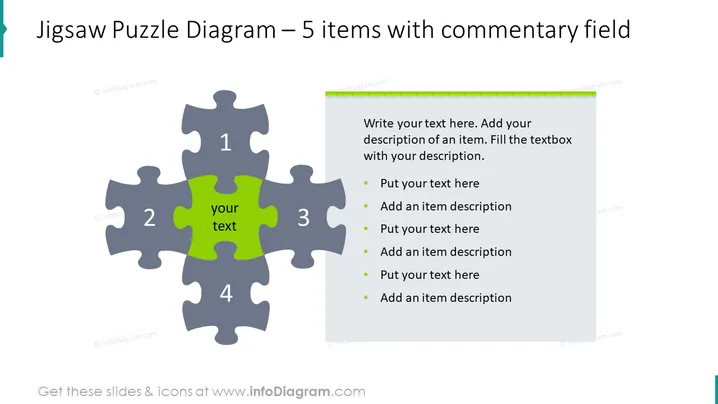
This PowerPoint slide is designed to represent a jigsaw puzzle with 5 pieces, where each piece can be used to describe a component of a broader concept or strategy. The centerpiece is highlighted and contains customizable text. Around it, four additional pieces are numbered 1 to 4, and a sidebar provides space for a detailed written commentary on each item. The sidebar offers a structured format for placing descriptive text alongside bullet points, enabling the presenter to expand on each concept, explaining how each of the 5 pieces contributes to the whole.
The slide presents a simple, clean design with a stark contrast between the green center piece and the gray surrounding pieces, visually emphasizing the focal point. The green content box on the right side balances the composition by mirroring the color of the central puzzle piece.




