
Reviews
Your graphics add a nice touch to my presentations and I recently used them for one of my all-hands meetings. Your toolbox adds professionalism to my slides. Instead of using standard clipart.
I needed a fresh look at some of my slides. I've tried to find a way to create a paintbrush effect, to underline, accentuate, add some color and the handwritten markers were just the things. Very easy to use, easy to size, change the color. It was an affordable, perfect solution and I'm happy to recommend it.
The crisp, clean look of the graphics, and the fact that it allowed me to easily edit and change the colors to match the template was my main reason for purchasing them.
Description
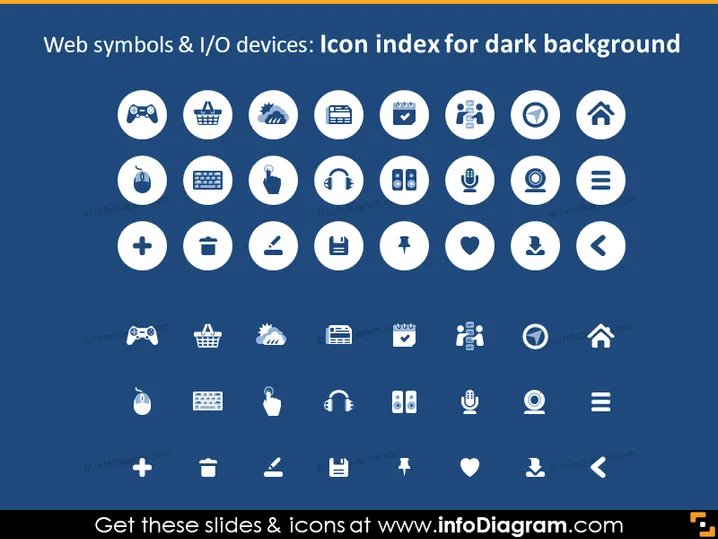
Web symbols & I/O devices: Icon index for dark background
Slide Content
The slide seems to be a compilation of various web symbols and input/output (I/O) device icons designed for visibility against a dark background. These icons represent common elements found in web design and technology interfaces. Each encircled icon could signify functions or tools like settings, user profiles, games, shopping, notifications, and connectivity, to name a few.
Graphical Look
- The slide background is a solid dark blue.
- There are 35 circle-shaped graphics with a white border, each containing a unique white icon.
- The icons include various symbols for technology and internet-related functions, such as a game controller, shopping basket, gear (settings), download arrow, user group, and heart (like), among others.
- The circular graphics are arranged in seven rows, with five icons per row.
- There is a consistent visual style across all icons, with a white fill color and line icon design.
- Each circular icon has a subtle shadow effect.
The overall look of the slide is clean and modern, with the white icons contrasting sharply against the dark background, which enhances visual clarity. The uniform circular shapes and consistent icon style provide a professional and organized appearance.
Use Cases
- To visually enhance web design or technology-themed PowerPoint presentations.
- As a reference for developers or designers during brainstorming sessions about user interface elements.
- In training materials to help familiarize users with various symbols and functionalities found in software or websites.
- As part of a digital style guide to establish consistency in iconography for a brand's digital assets.
How to Edit
How to edit text & colors

How to expand / shorten diagram

How to Replace Icons in infoDiagram PPT


