
Reviews
Ihre Grafiken verleihen meinen Präsentationen eine nette Note, und ich habe sie kürzlich für eines meiner All-Hands-Meetings verwendet. Ihre Toolbox verleiht meinen Folien Professionalität, anstatt Standard-Clipart zu verwenden.
Ich brauchte einen neuen Blick auf einige meiner Folien. Ich habe versucht, einen Weg zu finden, einen Pinselschlag-Effekt zu erzielen, um zu unterstreichen, hervorzuheben, Farbe hinzuzufügen, und die handgeschriebenen Markierungen waren genau das Richtige. Sehr einfach zu bedienen, leicht in der Größe zu ändern, die Farbe zu ändern. Es war eine erschwingliche, perfekte Lösung und ich empfehle sie gerne weiter.
Die klare, saubere Optik der Grafiken und die Tatsache, dass ich die Farben leicht bearbeiten und an die Vorlage anpassen konnte, war mein Hauptgrund für den Kauf.
Description
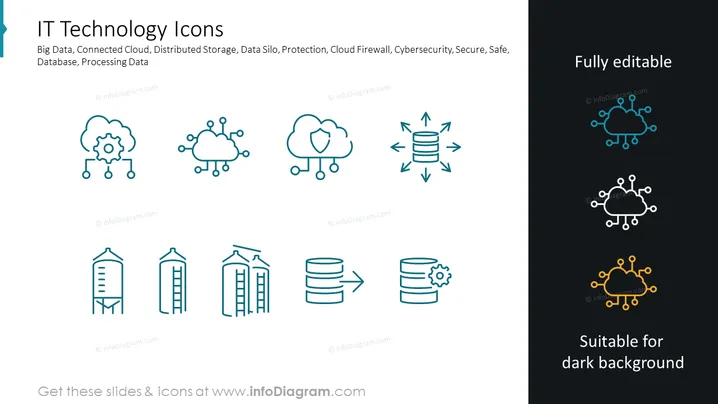
IT Technology Icons
Slide Content
The slide is titled "IT Technology Icons" and introduces various icons representing key concepts in technology: Big Data is symbolized by a gear and network points; Connected Cloud, as multiple clouds linked together, indicates interconnectivity; Distributed Storage, represented by a database with arrows, stresses the dispersion of data; Data Silo hints at isolated data clusters; Protection and Cloud Firewall are embodied by a safeguarded cloud and a database encircled by arrows, emphasizing security; and finally, Cybesecurity, Secure, Safe, Database, and Processing Data icons portray security and data management concepts respectively, each through universally understood symbols.
Graphical Look
- The slide contains a light grey background and is dominated by two main colors: a vibrant teal and a soft dark grey for text.
- It consists of two text areas: a title using a bold, larger font and a subtitle/body text in a smaller font.
- There are eight icons evenly distributed in two rows of four.
- Each icon is accompanied by an arrow graphic, except for the last two in the second row.
- The icons are stylized, simple, and employ the stroke design.
- There's a textual note on the upper right corner saying "Fully editable", and another note on the lower right corner indicating "Suitable for dark background", both in a dark grey font.
The slide has a clean, professional look with well-organized content and a comfortable balance between icons and text ensuring readability and visual appeal.
Use Cases
- This slide can be used in a presentation to explain different IT concepts or services offered by a company.
- It can be included in educational materials for training purposes, helping participants visualize and memorize IT terminologies.
- As a part of a pitch to investors or upper management, the slide could visually support the explanation of a business's tech infrastructure.
- The slide would be useful in marketing materials for IT solutions, highlighting key features or services in a visually engaging way.
How to Edit
How to edit text & colors

How to expand / shorten diagram

How to Replace Icons in infoDiagram PPT


