

Your graphics add a nice touch to my presentations and I recently used them for one of my all-hands meetings. Your toolbox adds professionalism to my slides. Instead of using standard clipart.
Claude Jones, Director of Engineer, @Walmartlabs, USA

Your graphics add a nice touch to my presentations and I recently used them for one of my all-hands meetings. Your toolbox adds professionalism to my slides. Instead of using standard clipart.
Claude Jones, Director of Engineer, @Walmartlabs, USA
I needed a fresh look at some of my slides. I've tried to find a way to create a paintbrush effect, to underline, accentuate, add some color and the handwritten markers were just the things. Very easy to use, easy to size, change the color. It was an affordable, perfect solution and I'm happy to recommend it.
Anonymous, US
The crisp, clean look of the graphics, and the fact that it allowed me to easily edit and change the colors to match the template was my main reason for purchasing them.
Brandie Jenkins, E-learning Developer, USA
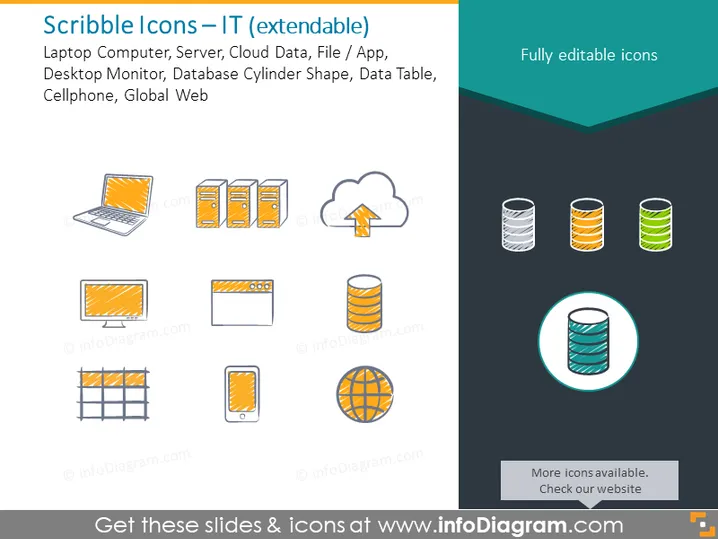
The PowerPoint slide presents a collection of hand-drawn, or "scribble" style, icons related to information technology. The icons include a laptop computer, server racks indicating data centers or network storage, cloud data symbolizing cloud computing services, a generic file or application icon, a desktop monitor representing personal computing, database cylinder shapes that typically stand for data storage, a data table grid symbol to denote data organization, a cellphone for mobile technology, and a global web icon that could be associated with the internet or worldwide connectivity. Each icon is a simplistic representation of complex IT concepts and can add a visual element to a presentation that discusses these technologies.
The slide has a modern, playful aesthetic with a hand-drawn look that gives it an informal yet professional appearance. The two-color scheme for the icons ensures they are easily distinguishable yet cohesive as a set.
The PowerPoint slide titled "Scribble Icons – IT (extendable)" includes a variety of stylized icons representing key concepts and elements commonly found in the field of information technology. These icons can serve as visual metaphors in a presentation to enhance understanding and retention of the discussed IT themes. The representations are as follows: a laptop computer (portability and personal computing), server racks (data management and network systems), cloud data (cloud storage and services), file/app icon (software and applications), a desktop monitor (personal computing or workstation), database cylinder shapes (data storage and databases), data table grid (data organization and spreadsheets), a cellphone (mobile communication and technology), and global web icon (internet connectivity and globalization).
The overall visual style of the slide is modern and engaging, with a creative twist owing to the scribble-effect of the icons. The simplicity and color consistency across the icons create a cohesive and visually stimulating presentation element.



