

Your graphics add a nice touch to my presentations and I recently used them for one of my all-hands meetings. Your toolbox adds professionalism to my slides. Instead of using standard clipart.
Claude Jones, Director of Engineer, @Walmartlabs, USA

Your graphics add a nice touch to my presentations and I recently used them for one of my all-hands meetings. Your toolbox adds professionalism to my slides. Instead of using standard clipart.
Claude Jones, Director of Engineer, @Walmartlabs, USA
I needed a fresh look at some of my slides. I've tried to find a way to create a paintbrush effect, to underline, accentuate, add some color and the handwritten markers were just the things. Very easy to use, easy to size, change the color. It was an affordable, perfect solution and I'm happy to recommend it.
Anonymous, US
The crisp, clean look of the graphics, and the fact that it allowed me to easily edit and change the colors to match the template was my main reason for purchasing them.
Brandie Jenkins, E-learning Developer, USA
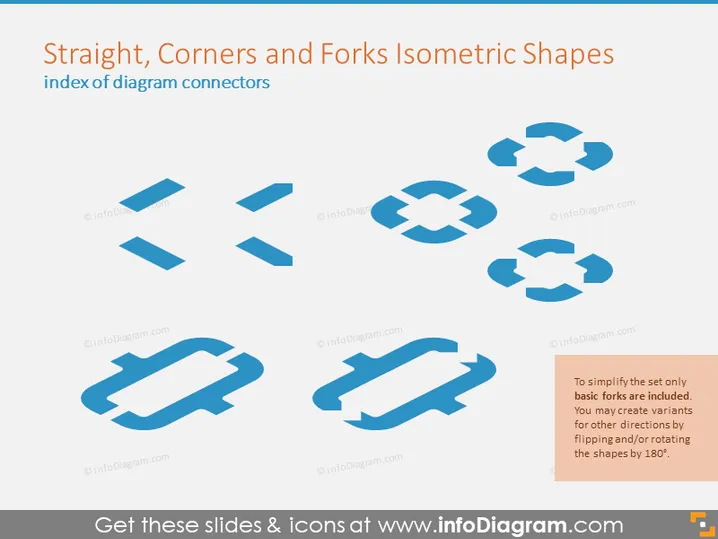
This PowerPoint slide is titled "Straight, Corners and Forks Isometric Shapes" and presents an index of diagram connectors. The slide contains a collection of eight different isometric shape connectors that are used in diagramming. These shapes include straight lines, corner shapes, and fork shapes, which are essential when creating complex diagrams for illustrative purposes. Each shape demonstrates the ability to connect different elements within a diagram, and the note mentions that the set is simplified, encouraging users to create variations for other directions by flipping or rotating the shapes by 180 degrees.
The overall look of the slide is clean and modern, with a professional blue color scheme. The isometric shapes are simple yet effective in demonstrating potential connections in a diagram.



