

Your graphics add a nice touch to my presentations and I recently used them for one of my all-hands meetings. Your toolbox adds professionalism to my slides. Instead of using standard clipart.
Claude Jones, Director of Engineer, @Walmartlabs, USA

Your graphics add a nice touch to my presentations and I recently used them for one of my all-hands meetings. Your toolbox adds professionalism to my slides. Instead of using standard clipart.
Claude Jones, Director of Engineer, @Walmartlabs, USA
I needed a fresh look at some of my slides. I've tried to find a way to create a paintbrush effect, to underline, accentuate, add some color and the handwritten markers were just the things. Very easy to use, easy to size, change the color. It was an affordable, perfect solution and I'm happy to recommend it.
Anonymous, US
The crisp, clean look of the graphics, and the fact that it allowed me to easily edit and change the colors to match the template was my main reason for purchasing them.
Brandie Jenkins, E-learning Developer, USA
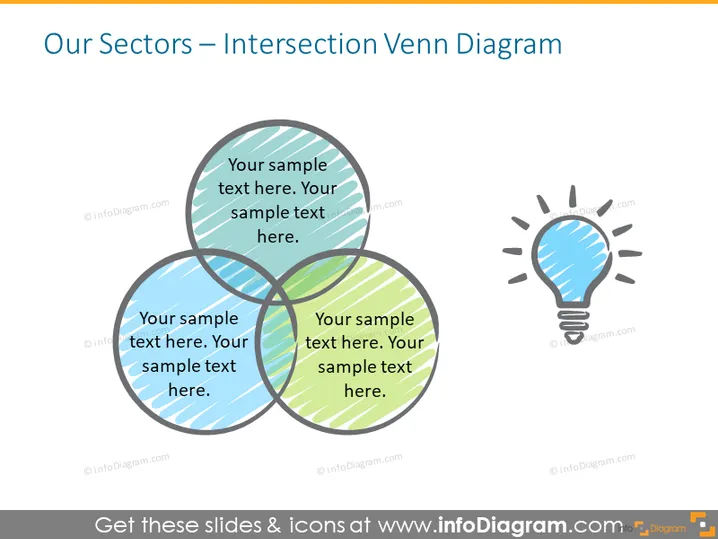
The slide presents an Intersection Venn Diagram that is typically used to show commonalities and differences among different groups. Here, it includes three overlapping circles each containing a placeholder text. The intersection areas where the circles overlap could be used to illustrate shared characteristics or areas of synergy between sectors. Each circle has a different shade and pattern indicating separate sectors or categories, while the light bulb icon on the right side suggests the concept of ideas or innovations emerging from these intersections.
The slide has a clean and professional appearance, with a balanced layout that facilitates focus on the intersection of the three elements. The icon and color contrasts direct attention towards the central concept of the slide.



