
Reviews
Your graphics add a nice touch to my presentations and I recently used them for one of my all-hands meetings. Your toolbox adds professionalism to my slides. Instead of using standard clipart.
I needed a fresh look at some of my slides. I've tried to find a way to create a paintbrush effect, to underline, accentuate, add some color and the handwritten markers were just the things. Very easy to use, easy to size, change the color. It was an affordable, perfect solution and I'm happy to recommend it.
The crisp, clean look of the graphics, and the fact that it allowed me to easily edit and change the colors to match the template was my main reason for purchasing them.
Description
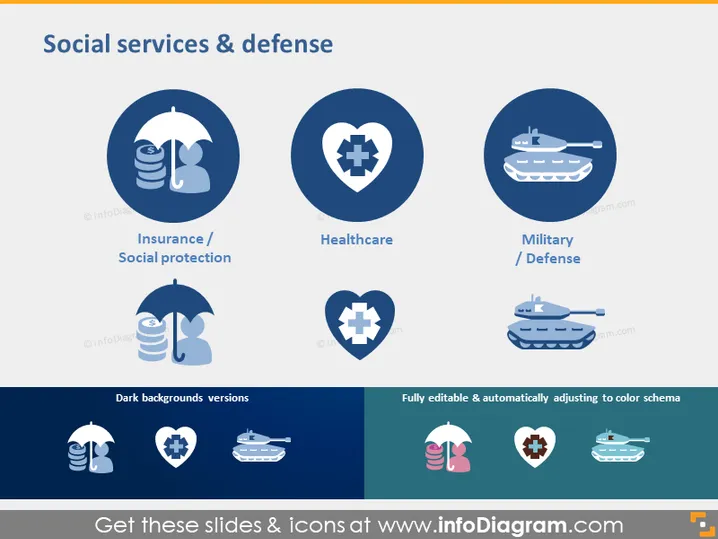
Social services & defense
Slide Content
The slide covers three key aspects of social services and defense: "Insurance / Social protection," which reflects schemes that provide financial security and risk mitigation; "Healthcare," representing medical services aimed at maintaining or improving health; and "Military / Defense," associated with national security and armed forces. Each concept is visually represented with a relevant icon, indicating the scope and focus of the services.
Graphical Look
- The slide has a clean, professional design with a light blue background and dark blue circles.
- Within each circle, there is a white icon and text underneath in smaller white font.
- Icons include an umbrella with coins (representing Insurance/Social protection), a heart with a cross (for Healthcare), and a tank (symbolizing Military/Defense).
- Below these circles, there are darker blue rectangles showcasing a negative (inverted color) versions of the same icons to demonstrate visibility on different backgrounds.
- A smaller rectangle on the bottom right indicates the template is "Fully editable & automatically adjusting to color schema," with associated smaller icons, including a DNA strand.
- The text is in a crisp, sans-serif font and there are two text boxes with dark and light background versions of the text.
The slide has a balanced layout with uniform circular icons centered in a grid-like arrangement combined with straightforward explanatory text. The color scheme and iconography are consistent and thematic, conveying a sense of organization and clarity.
Use Cases
- Presenting an overview of a government's focus areas in a policy briefing.
- Illustrating the scope of services provided by a non-profit organization.
- Highlighting company initiatives related to corporate social responsibility.
- Introducing a strategic plan that encompasses social and defense sectors in a business or organizational meeting.
How to Edit
How to edit text & colors

How to expand / shorten diagram

How to Replace Icons in infoDiagram PPT


