

Your graphics add a nice touch to my presentations and I recently used them for one of my all-hands meetings. Your toolbox adds professionalism to my slides. Instead of using standard clipart.
Claude Jones, Director of Engineer, @Walmartlabs, USA

Your graphics add a nice touch to my presentations and I recently used them for one of my all-hands meetings. Your toolbox adds professionalism to my slides. Instead of using standard clipart.
Claude Jones, Director of Engineer, @Walmartlabs, USA
I needed a fresh look at some of my slides. I've tried to find a way to create a paintbrush effect, to underline, accentuate, add some color and the handwritten markers were just the things. Very easy to use, easy to size, change the color. It was an affordable, perfect solution and I'm happy to recommend it.
Anonymous, US
The crisp, clean look of the graphics, and the fact that it allowed me to easily edit and change the colors to match the template was my main reason for purchasing them.
Brandie Jenkins, E-learning Developer, USA
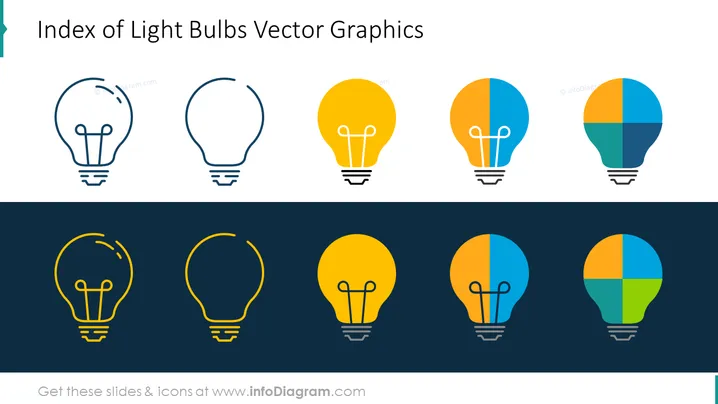
The PowerPoint slide is titled "Index of Light Bulbs Vector Graphics" and showcases eight stylized icons of light bulbs in two rows. The top row has outlines of bulbs, while the bottom row features solid and two-tone bulbs. The slide seems to present a variety of design options for depicting light bulbs, which can symbolize ideas, innovation, or energy-related concepts. The different styles may represent different stages or types of ideas, concepts, or energy efficiency.
The overall look of the slide is simple and clean, with a balanced mix of line art and block colors drawing attention to the graphical elements. The contrasting background colors separate the outline designs from the filled designs, showing different styles and stages of completion.



