
Reviews
Your graphics add a nice touch to my presentations and I recently used them for one of my all-hands meetings. Your toolbox adds professionalism to my slides. Instead of using standard clipart.
I needed a fresh look at some of my slides. I've tried to find a way to create a paintbrush effect, to underline, accentuate, add some color and the handwritten markers were just the things. Very easy to use, easy to size, change the color. It was an affordable, perfect solution and I'm happy to recommend it.
The crisp, clean look of the graphics, and the fact that it allowed me to easily edit and change the colors to match the template was my main reason for purchasing them.
Description
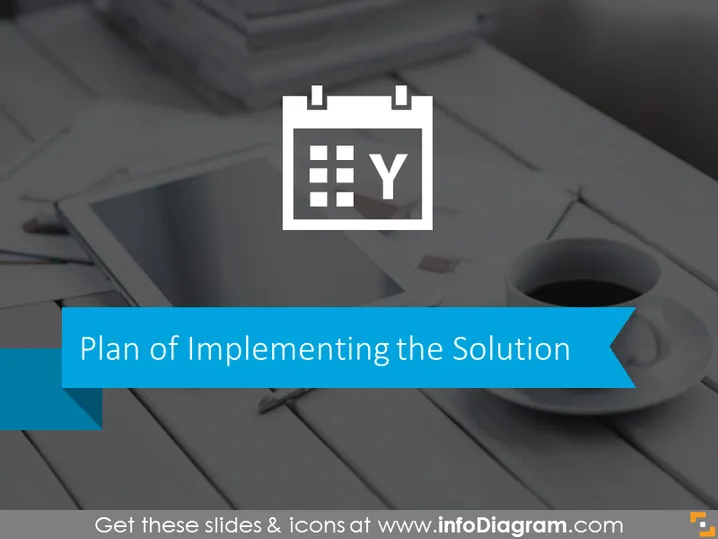
Plan of Implementing the Solution
Slide Content
The slide seems to be titled "Plan of Implementing the Solution," indicating that the presentation would likely detail steps, strategies, or considerations for effectively putting a plan into action. There is no other content providing additional details about the implementation plan, so it leaves one to surmise that the slide acts as a section header or introductory slide that would be followed by more detailed content.
Graphical Look
- Background: a muted photograph of a desk with items like a tablet, some papers, pencils, and a coffee cup.
- Title text: "Plan of Implementing the Solution" prominently displayed in a large, bold, white font.
- Icon: A calendar with the letter "Y" represented in a smaller white rectangle, overlapping the top left of the title, suggesting scheduling or time-planning elements.
- Underline: A solid blue line underscores the title text, enhancing its prominence.
- Decorative Shape: A blue, right-angled, ribbon-like shape extends from the bottom-left side of the slide, possibly to emphasize the beginning of the related section.
The overall look is professional and subdued with a focus on the title, which stands out against the desaturated background image. The use of the calendar icon implies the organization of time or dates associated with the implementation plan.
Use Cases
- To introduce a new section in a business presentation that discusses the timeline or steps for executing a project or initiative.
- During a project kickoff meeting, this slide could set the stage for presenting a detailed project schedule.
- In a strategy meeting, to summarize the key phases or milestones of a project before diving into specifics.
- As a transition slide in a workshop or training session covering project management or implementation strategies.
How to Edit
How to edit text & colors

How to expand / shorten diagram

How to Replace Icons in infoDiagram PPT


