
Reviews
Sus gráficos añaden un toque agradable a mis presentaciones y recientemente los usé para una de mis reuniones generales. Su conjunto de herramientas añade profesionalismo a mis diapositivas. En lugar de usar imágenes prediseñadas estándar.
Necesitaba un aspecto fresco para algunas de mis diapositivas. Había intentado encontrar una forma de crear un efecto de pincel, de subrayar, acentuar, añadir algo de color y los marcadores escritos a mano fueron justo lo que necesitaba. Muy fácil de usar, fácil de ajustar el tamaño, cambiar el color. Fue una solución asequible y perfecta, y estoy feliz de recomendarla.
El aspecto nítido y limpio de los gráficos, y el hecho de que me permitiera editar y cambiar fácilmente los colores para que coincidieran con la plantilla fue mi principal razón para comprarlos.
Description
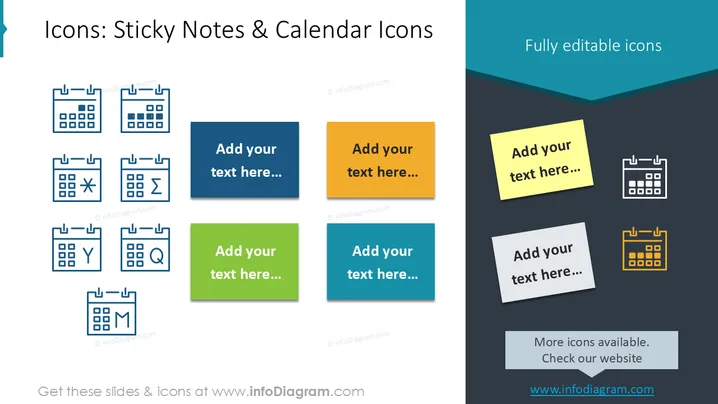
Icons: Sticky Notes & Calendar Icons
Slide Content
The PowerPoint slide titled "Icons: Sticky Notes & Calendar Icons" presents a variety of calendar and note icons, each paired with a placeholder for text. The icons represent different functions or statuses such as a star, an exclamation mark, a cross, a sum sign, a magnifying glass, and a chat bubble, indicating they can be used to symbolize important dates, tasks, discoveries, communications, and other calendar-related events. The sticky notes suggest additional information can be attached to specific dates or events.
Graphical Look
- A dark blue header bar with the title "Icons: Sticky Notes & Calendar Icons" in white text.
- The subtitle "Fully editable icons" is aligned to the right in the header bar.
- Eight icons are arranged in a 3x3 grid (with one spot empty) on the left side, depicting calendars with various symbols on them.
- The left side has a light background which contrasts with the icons and placeholder text boxes.
- Four colored sticky note shapes (blue, orange, green, and light blue) are staggered in the center towards the right, with matching text placeholder boxes.
- Two additional note icons appear on the right with a yellow note having a calendar icon and text placeholder and a white note with a calendar icon and another placeholder.
- The icons and notes cast a small shadow, adding to the perception of depth.
The overall look of the slide is modern and professional, using a contrasting color scheme to distinguish between text, icons, and the background. The use of shadows gives a slight 3D effect to the flat icons and note graphics.
Use Cases
- To schedule and highlight key dates in project management presentations.
- For demonstrating the timeline of events in a marketing campaign overview.
- To allocate tasks and important reminders during a team meeting or workshop.
- For illustrating milestones or deadlines in a strategic planning session.
How to Edit
How to edit text & colors

How to expand / shorten diagram

How to Replace Icons in infoDiagram PPT


