

Your graphics add a nice touch to my presentations and I recently used them for one of my all-hands meetings. Your toolbox adds professionalism to my slides. Instead of using standard clipart.
Claude Jones, Director of Engineer, @Walmartlabs, USA

Your graphics add a nice touch to my presentations and I recently used them for one of my all-hands meetings. Your toolbox adds professionalism to my slides. Instead of using standard clipart.
Claude Jones, Director of Engineer, @Walmartlabs, USA
I needed a fresh look at some of my slides. I've tried to find a way to create a paintbrush effect, to underline, accentuate, add some color and the handwritten markers were just the things. Very easy to use, easy to size, change the color. It was an affordable, perfect solution and I'm happy to recommend it.
Anonymous, US
The crisp, clean look of the graphics, and the fact that it allowed me to easily edit and change the colors to match the template was my main reason for purchasing them.
Brandie Jenkins, E-learning Developer, USA
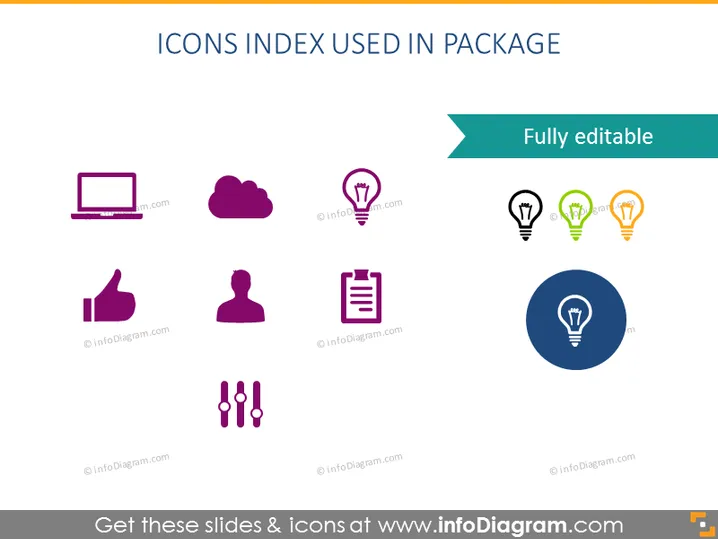
The PowerPoint slide is titled "ICONS INDEX USED IN PACKAGE" and displays a collection of ten vector icons that are indicative of different functionalities or concepts. Starting from the top left, the icons represent a laptop, cloud storage, location-aware services with varying signal strengths, a thumbs up for approval or likeability, a user avatar for personal profiles, a clipboard for task management, a document for paperwork or reports, and adjustment sliders for settings or customization. These symbols are tools for visual communication in presentations and can serve to quickly convey specific ideas or functions to the audience.
The overall look of the slide is clean and professional, with a simple color palette that is easy on the eyes. The icons are uniformly styled, creating a cohesive visual set.



