
Icons: Hand-drawn Accomplishment

Slide Content

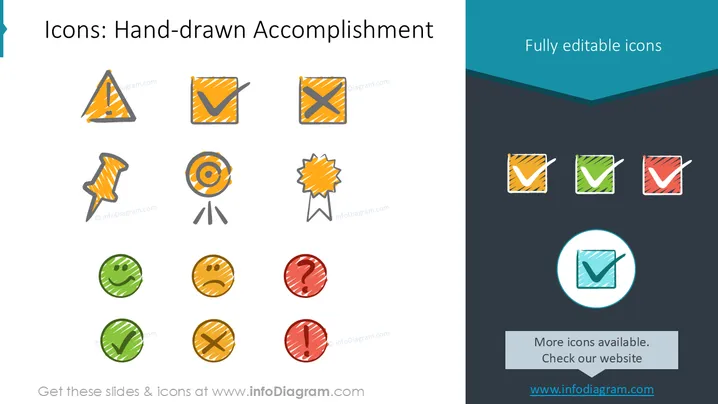
The PowerPoint slide titled 'Icons: Hand-drawn Accomplishment' showcases a collection of stylized, hand-drawn icons that represent various states or milestones in task completion or project management. These include a caution sign which suggests a warning or potential issue, a checkmark for completed tasks, a cross mark for tasks not done, a target symbol implying goals or objectives, a star badge often representing rewards or achievements, push pins that could mean pin-pointing important information, and question marks which typically indicate doubts or queries.

Graphical Look

  • The slide background is a gradient from light blue at the top to dark grey at the bottom.
  • At the top right corner, there is a text box with the phrase "Fully editable icons" on a teal banner.
  • The icons are arranged in three rows, each featuring a variety of shapes and colors.
    • The top row includes a caution triangle, a checkmark, and a cross mark.
    • The middle row contains a push pin, a target icon, and a star badge.
    • The bottom row shows two checkmarks and two cross marks in a circular design with varying colors: green, yellow, and red.
  • Each icon is drawn with a sketchy, irregular outline and filled with a textured look, suggesting a hand-drawn aesthetic.
  • On the right side, there are four small checkmark icons in square boxes with folded corners, in different colors: orange, green, and red.
  • A featured icon is enlarged and circled at the bottom right, emphasizing its design.
  • A text box near the bottom contains the phrase "More icons available. Check our website" with a URL, which is accompanied by a rectangular shape.

The slide has a modern and playful design with sketched icons that provide a more informal or approachable feel. The arrangement is clean and grid-like, enabling easy viewing and comparison of icons.

Use Cases

  • To illustrate various statuses or progress points within project updates or status meetings.
  • To add visual interest and clarify topics in educational materials or training presentations, where hand-drawn icons can make information more relatable.
  • To enhance the visual appeal of marketing materials or pitch decks, where the informal style of the icons can make the content more engaging.
  • In creative brainstorming sessions, where such icons can be used to mark ideas, issues, or achievements on digital whiteboards or in collaborative documents.

This slide is part of the deck:

Calendars 2026 timelines graphics US format (PPT tables and icons)


