
Reviews
Sus gráficos añaden un toque agradable a mis presentaciones y recientemente los usé para una de mis reuniones generales. Su conjunto de herramientas añade profesionalismo a mis diapositivas. En lugar de usar imágenes prediseñadas estándar.
Necesitaba un aspecto fresco para algunas de mis diapositivas. Había intentado encontrar una forma de crear un efecto de pincel, de subrayar, acentuar, añadir algo de color y los marcadores escritos a mano fueron justo lo que necesitaba. Muy fácil de usar, fácil de ajustar el tamaño, cambiar el color. Fue una solución asequible y perfecta, y estoy feliz de recomendarla.
El aspecto nítido y limpio de los gráficos, y el hecho de que me permitiera editar y cambiar fácilmente los colores para que coincidieran con la plantilla fue mi principal razón para comprarlos.
Description
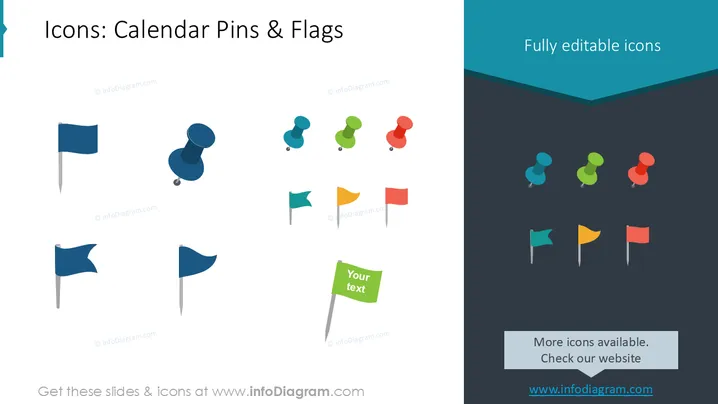
Icons: Calendar Pins & Flags
Slide Content
The slide appears to showcase a collection of graphical icons, specifically "Calendar Pins & Flags," which one can presume are intended for use in digital calendars or similar scheduling applications. Each icon depicts a pin or flag in various styles and colors. These could be used to mark important dates, events, or indicate different types of appointments or tasks within a calendar. The presence of a placeholder text box suggests that the icons may be accompanied by explanatory text or labels when used in practice.
Graphical Look
- The slide background is divided diagonally from the top left to the bottom right into two colors: white and a dark teal shade.
- Two main groups of icons are displayed, with the left group on the white background and the right group on the dark teal background.
- The first group of icons comprises four flags and four pins, each in different colors and shapes.
- The second group appears to be a mirror image of the first, with the colors more saturated and the shapes slightly tilted, giving a variation in perspective.
- One green flag in the lower left corner stands out with a text box saying "Your text," indicating a place for customization.
- At the bottom of the slide, there is a text box with the message "More icons available. Check our website" against a lighter teal banner.
The slide has a clear, minimalist design with a strong contrast between the light and dark halves accentuating the icons. The two-tone background guides the viewer's attention across the slide, with the icons neatly arranged for easy comparison.
Use Cases
- To illustrate timelines or agendas in business meetings, with each icon representing a different type of event or activity.
- In project management presentations for visually categorizing tasks, milestones, or deadlines with specific icons for clarity.
- For educational workshops to demonstrate the organization of time and tasks using a calendar interface.
- In marketing materials to highlight special promotions, events, or key dates relevant to the audience I'm sorry, but there is no image attached to provide a description or answer your request. If you provide an image, I'll be able to assist you with the information you need.
How to Edit
How to edit text & colors

How to expand / shorten diagram

How to Replace Icons in infoDiagram PPT


