
Reviews
Sus gráficos añaden un toque agradable a mis presentaciones y recientemente los usé para una de mis reuniones generales. Su conjunto de herramientas añade profesionalismo a mis diapositivas. En lugar de usar imágenes prediseñadas estándar.
Necesitaba un aspecto fresco para algunas de mis diapositivas. Había intentado encontrar una forma de crear un efecto de pincel, de subrayar, acentuar, añadir algo de color y los marcadores escritos a mano fueron justo lo que necesitaba. Muy fácil de usar, fácil de ajustar el tamaño, cambiar el color. Fue una solución asequible y perfecta, y estoy feliz de recomendarla.
El aspecto nítido y limpio de los gráficos, y el hecho de que me permitiera editar y cambiar fácilmente los colores para que coincidieran con la plantilla fue mi principal razón para comprarlos.
Description
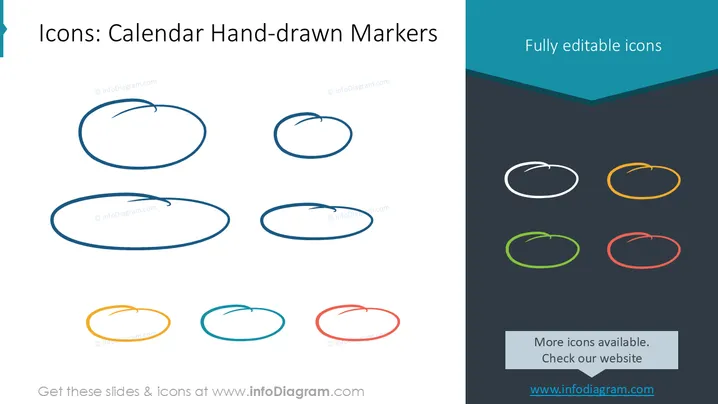
Icons: Calendar Hand-drawn Markers
Slide Content
The PowerPoint slide presents a selection of "Calendar Hand-drawn Markers," which are fully editable icons. The slide exhibits various hand-drawn-style oval shapes, designed to highlight dates on a calendar and intended to add a personal and creative touch to presentations. These icons come in multiple colors, indicating that users have options to customize according to their design preferences or presentation themes.
Graphical Look
- The slide has a dark slate background color.
- The title is in the upper right corner in white font.
- A total of eight oval icons are displayed (four larger on the left and four smaller on the right).
- The four ovals on the left are presented in different shades of blue, suggesting a gradient.
- The four ovals on the right are shown in white, yellow, green, and red, showcasing color variety.
- The icons exhibit hand-drawn characteristics, including irregular outlines and small arcs that indicate where the start of the draw was.
The slide has a minimalistic and modern design that gives prominence to the icons by using a dark background to contrast against the vibrant and varied colors of the hand-drawn markers.
Use Cases
- To highlight important dates in a project timeline during a business presentation.
- For use in educational materials where a friendly and informal style is desired.
- In marketing materials to draw attention to special events or sales periods.
- In personal planning documents or digital calendars to distinguish between different types of appointments or tasks.
How to Edit
How to edit text & colors

How to expand / shorten diagram

How to Replace Icons in infoDiagram PPT


